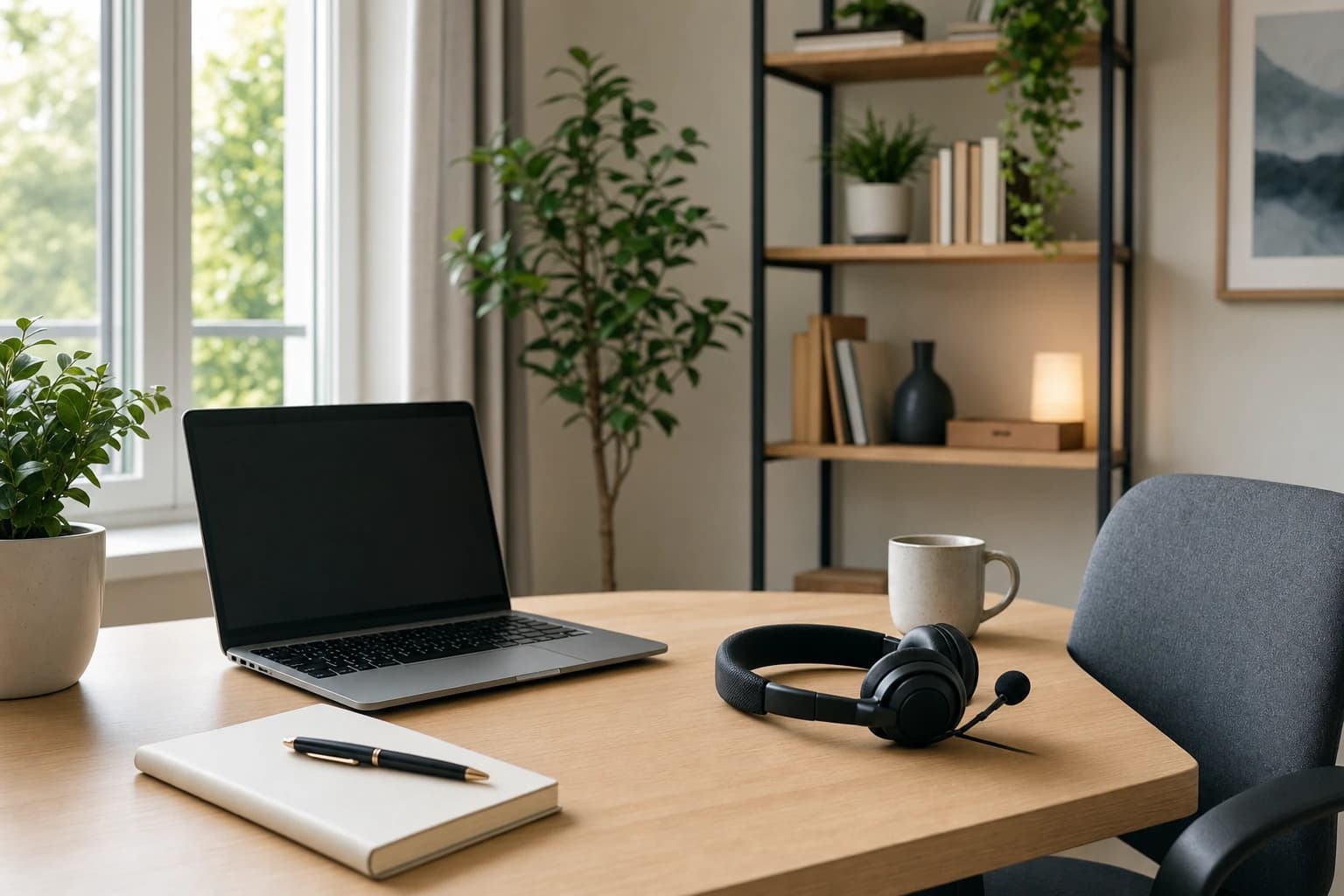
A remote interview can feel simple until the meeting link opens and your microphone, lighting, notes, and nerves all have to work at the same time. If you are wondering how to prepare for a remote job interview, the goal is not to create a perfect studio. The goal is to look prepared, communicate clearly, and show that you can work well without being in the same room as your team.
This guide covers the full preparation process: your video interview setup, a 24-hour checklist, what to say if technology fails, sample answers for remote-work questions, and the most common mistakes to avoid in online interviews.

Quick answer: what matters most in a remote interview?
A successful remote interview depends on four things: reliable technology, a professional environment, concise communication, and evidence that you can work independently. Hiring managers are not only assessing your skills for the role. They are also noticing whether you can join meetings on time, handle basic tools, stay focused, and explain your work clearly through a screen.
That does not mean you need expensive equipment. A laptop camera, built-in microphone, and natural light can work well if you test them in advance. What hurts candidates more often is avoidable friction: joining late, using an unprofessional username, sitting in a noisy room, reading answers word-for-word, or not knowing how to recover from a connection problem.
Tools and materials to prepare
- Time needed: 60 to 90 minutes the day before, plus 20 minutes on interview day.
- Difficulty: Easy to moderate, depending on your internet and workspace.
- Device: Laptop or desktop computer is best; phone only if the employer approves or it is your backup.
- Internet: Use the most stable connection available. If possible, sit near your router or use wired Ethernet.
- Audio: Headphones or earbuds with a microphone reduce echo and background noise.
- Lighting: A window or lamp in front of you, not behind you.
- Notes: One page with role details, company notes, questions, and two or three achievement examples.
- Interview platform: Zoom, Google Meet, Microsoft Teams, or another tool named in the invitation.
Step-by-step remote job interview preparation
1. Confirm the interview details
Start by checking the invitation carefully. Confirm the date, time zone, interviewer names, meeting platform, and whether the interview includes a presentation, coding task, portfolio review, or case exercise. Remote interviews often involve people in different locations, so time zone mistakes are a real risk. Put the interview on your calendar with a reminder 24 hours before and another reminder 30 minutes before.
If the invitation does not include a meeting link, reply politely and ask whether one will be sent before the interview. If you need an accommodation, a different format, or clarification about the interview structure, ask early rather than waiting until the day of the call.
2. Test the platform before the interview
Open the interview platform at least one day before. If the employer is using Zoom, you can use the official Zoom test meeting to check your camera, microphone, and speaker. For Google Meet, Google’s Help Center explains requirements and setup steps for browsers, cameras, and microphones at Google Meet Help.
Do not assume every platform works the same way. Zoom may ask you to update the desktop app. Google Meet may need browser permission for the camera and microphone. Microsoft Teams may behave differently depending on whether you use the app or a browser. A five-minute test can prevent an awkward start.
3. Build a simple video interview setup
Your video interview setup should make your face visible, your voice clear, and your background distraction-free. Place your laptop on a stable surface so the camera is close to eye level. If the camera points upward from your lap, stack the laptop on books or a box. Sit about an arm’s length away so your head and shoulders are visible.
Lighting matters more than camera quality. Face a window if the interview is during the day, or place a lamp in front of you if it is at night. Avoid sitting with a bright window behind you because it can make your face appear dark. If your room is cluttered, choose the cleanest wall or use a simple virtual background only if it does not glitch around your face.
4. Prepare your notes, but do not script everything
Remote interviews make it tempting to keep a full script on screen. That usually backfires because your eyes move away from the camera and your answers sound flat. Instead, create a one-page note sheet with short prompts:
- Three achievements relevant to the job.
- Two examples of remote collaboration.
- One example of handling a deadline or priority conflict.
- Questions for the interviewer.
- The job title, company name, and interviewer names.
Place the note sheet beside your screen or in a small document window near the camera. Use it to trigger your memory, not to read paragraphs.
5. Practice speaking in a remote-friendly way
Video calls make interruptions and long answers more noticeable. Practice answering in a structure: context, action, result, and lesson. For most interview questions, aim for an answer that is around one to two minutes. If the interviewer wants more detail, they will ask.
Because online audio can lag, leave a small pause before answering. If two people speak at once, smile and say, “Please go ahead,” or “Sorry, I think we overlapped.” Small moments like that show professionalism and awareness of remote communication.
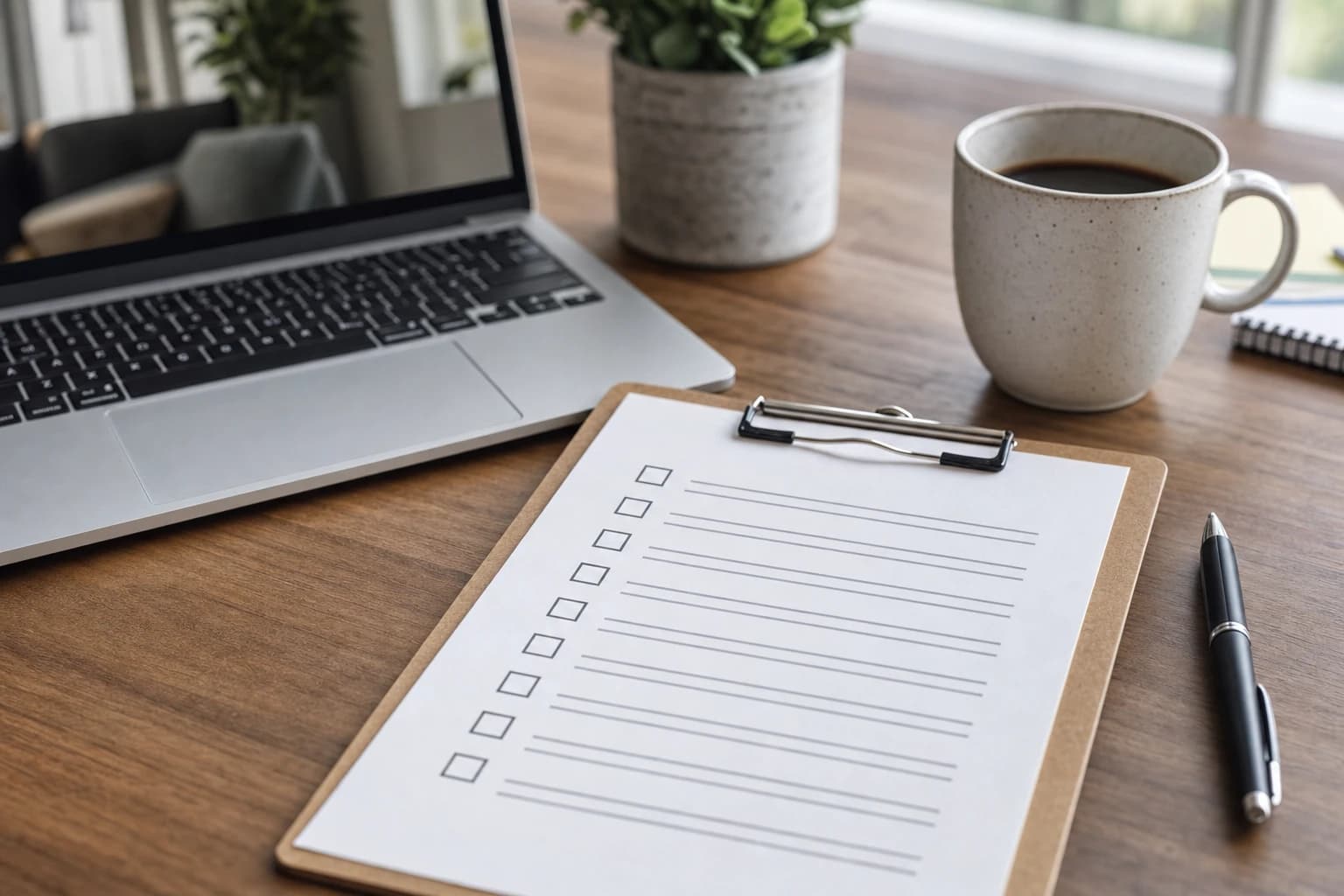
24-hour remote job interview checklist
Use this remote job interview checklist the day before your meeting. It is designed to remove last-minute decisions so your energy can go into the conversation.
| When | Task | Why it matters |
|---|---|---|
| 24 hours before | Confirm time zone, meeting link, interviewer names, and format. | Prevents scheduling mistakes and helps you tailor your preparation. |
| 24 hours before | Open the platform and test camera, microphone, speaker, and screen sharing if needed. | Gives you time to install updates or fix permissions. |
| 12 to 24 hours before | Review the job description and match your experience to the top requirements. | Helps you answer with examples instead of general claims. |
| 12 hours before | Choose your outfit and check how it looks on camera. | Avoids distracting patterns, poor contrast, or last-minute changes. |
| 2 to 3 hours before | Charge your laptop, headset, and phone. | Protects you if the interview runs long or power access is limited. |
| 60 minutes before | Restart your computer and close unnecessary apps and browser tabs. | Reduces notifications, lag, and accidental sharing of private content. |
| 30 minutes before | Set up lighting, water, notes, and a quiet room. | Creates a calm environment before you join. |
| 10 minutes before | Join the waiting room or be ready to join when allowed. | Shows punctuality without creating pressure too early. |
Backup plan for internet, audio, or video problems
Even well-prepared candidates can face a weak connection, frozen video, or microphone problem. The difference is whether you have a calm recovery plan.
Create your backup plan before the call
- Save the interviewer’s contact information. Keep the recruiter’s email and phone number open or written down.
- Prepare a mobile hotspot. If your phone plan allows it, know how to turn on hotspot mode before the interview.
- Keep your phone charged. Your phone can be a backup device or a way to notify the interviewer.
- Have a second audio option. Keep earbuds nearby even if you plan to use your laptop microphone.
- Know how to rejoin. Copy the meeting link into a note so you can quickly return after a restart.
If something goes wrong, do not panic or over-explain. Say what happened, what you are doing, and how long it may take. For example:
“I’m sorry, my audio seems to have dropped. I’m going to switch to my earbuds and rejoin if needed. I should be back in less than a minute.”
If your internet fails completely, send a short message: “I’m sorry, my connection dropped unexpectedly. I’m trying to rejoin now. If it does not reconnect in the next few minutes, I’m available by phone at [number].” This shows responsibility without sounding defensive.
How to answer remote-work-specific interview questions
Remote roles require more than technical skill. Employers often want proof that you can communicate, prioritize, and collaborate without constant supervision. Below are sample answers you can adapt. Do not memorize them word-for-word; replace the details with your real experience.
Sample answer: “How do you stay organized when working remotely?”
“I use a simple system that makes my priorities visible. At the start of the day, I identify the two or three outcomes that matter most and check them against team deadlines. I keep tasks in the project tool the team uses, such as Asana, Trello, Jira, or ClickUp, and I add updates before someone has to ask. For deeper work, I block focus time and turn off nonessential notifications. That helps me stay responsive without letting messages control the whole day.”
This answer works because it explains a method, mentions collaboration, and shows respect for team visibility.
Sample answer: “How do you communicate with a remote team?”
“I try to match the message to the channel. If something is quick or informational, I use Slack or Teams and keep it clear. If a decision needs context, I write a short summary with the options, recommendation, and deadline. For complex or sensitive topics, I prefer a short call so we can avoid misunderstanding. I also try to document decisions afterward so people in different time zones can catch up.”
Strong remote communication is not about sending more messages. It is about choosing the right channel and reducing confusion.
Sample answer: “How do you handle distractions at home?”
“I plan my work around a clear routine. Before meetings, I make sure my space is quiet and my notifications are under control. For focused tasks, I use time blocks and set expectations about when I will respond. If an unexpected distraction happens, I communicate early rather than letting it affect a deadline silently.”
This answer is honest without oversharing. It shows that you can manage your environment and communicate proactively.
Sample answer: “Tell me about a time you collaborated remotely.”
“In a previous project, our team had people working from different locations, so we relied on written updates and short check-ins. I helped keep the work moving by summarizing decisions, noting owners for each task, and flagging blockers early. One lesson I took from that experience is that remote collaboration works best when expectations are written down and everyone knows what ‘done’ means.”
If you have not worked in a fully remote role before, use examples from online classes, freelance projects, hybrid work, volunteer projects, or cross-location collaboration. Be transparent, but focus on transferable habits.
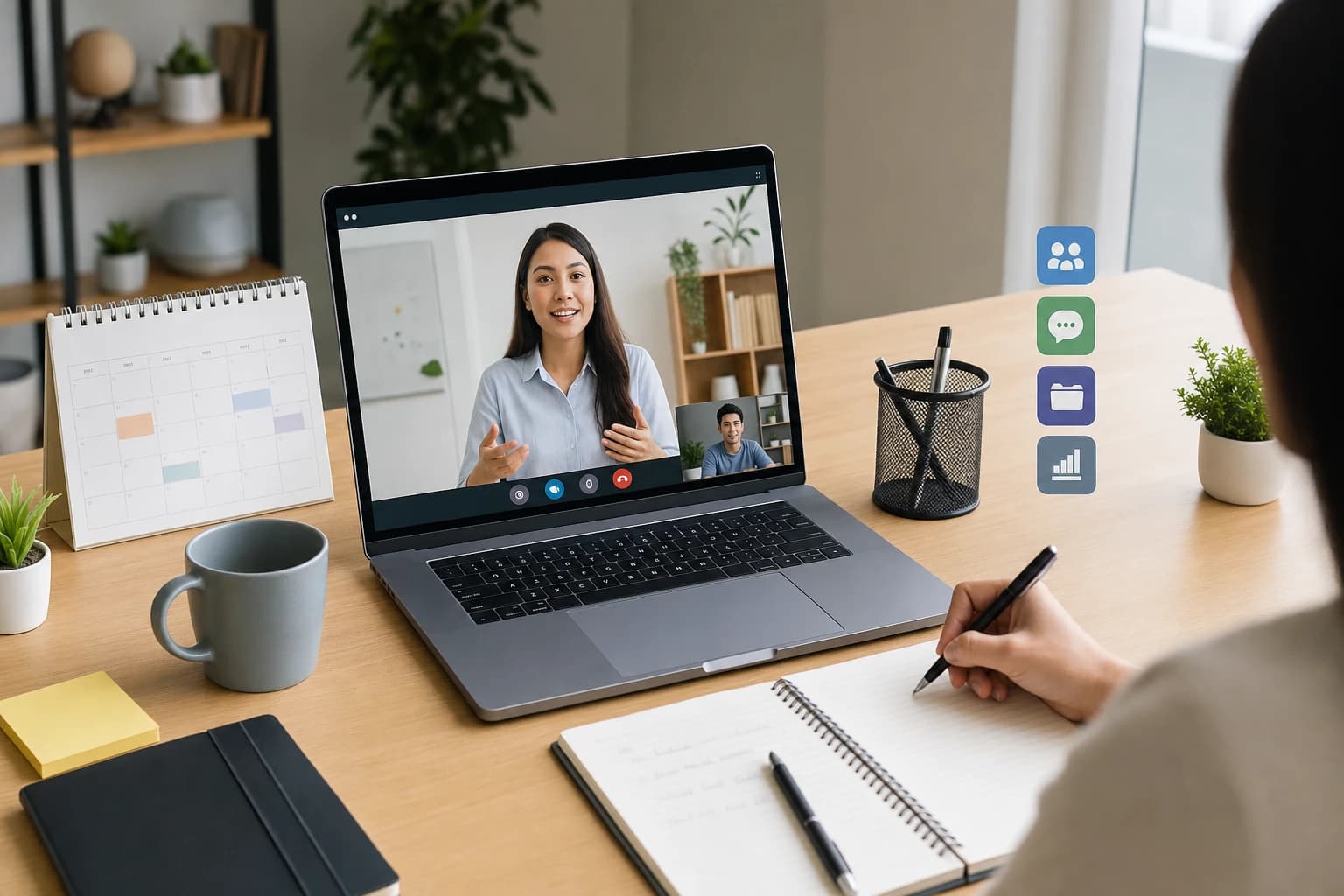
Tools you may be asked about: Zoom, Google Meet, Slack, and project management software
You do not need to be an expert in every workplace tool. However, you should be able to discuss how you use common remote-work tools responsibly.
Video meeting tools
Zoom, Google Meet, and Microsoft Teams are commonly used for interviews and team meetings. Before your interview, learn how to mute and unmute, turn the camera on and off, share your screen, open chat, and change audio input. If the role involves presentations, practice screen sharing with only the correct window visible.
Chat tools
Slack and Microsoft Teams are often used for quick team communication. A good answer about chat tools should mention clarity, response expectations, and avoiding unnecessary noise. For example, you might say that you use threads, clear subject lines, and status updates so teammates know when you are available.
Project management tools
Tools such as Trello, Asana, Jira, Monday.com, and ClickUp help teams track tasks and ownership. Interviewers may not care which tool you prefer. They usually care whether you can keep tasks updated, document blockers, and work from shared priorities rather than private to-do lists.
Mistakes to avoid in online interviews
Many mistakes to avoid in online interviews are small, but they can change the interviewer’s impression quickly.
- Joining without testing your setup. A quick test the day before prevents most avoidable technical issues.
- Using a noisy or distracting space. If you cannot control all noise, acknowledge it briefly and do your best to reduce it.
- Looking only at the screen. It is natural to look at the interviewer, but occasionally look toward the camera when making key points.
- Reading scripted answers. Notes are helpful; full scripts make you sound less natural.
- Leaving notifications on. Close messaging apps, email alerts, and browser tabs that could interrupt you.
- Talking for too long. Remote interviews feel slower when answers ramble. Keep answers focused and invite follow-up questions.
- Ignoring remote-work skills. Even for a technical role, mention communication, documentation, prioritization, and follow-through.
- Forgetting to ask questions. Good questions show that you are thinking about how the team works, not just whether you can get the job.
Do not hide behind AI or scripts during the interview
It may be tempting to use live answer generators, hidden scripts, or someone off-camera feeding responses. That can create awkward pauses, unnatural eye movement, and trust problems. It is better to prepare honest examples and speak in your own words. If you need a moment, say, “That is a good question; let me think for a second.” A thoughtful pause is more professional than a polished answer that does not sound like you.
Smart questions to ask the interviewer
Prepare at least three questions, because some may be answered during the conversation. Choose questions that reveal how the remote team actually works:
- “How does the team usually communicate day to day?”
- “What tools do you use to track priorities and project progress?”
- “How do managers support new hires during the first 30 to 60 days?”
- “Are there core working hours or expectations around time zones?”
- “What does success look like for this role after the first three months?”
These questions help you evaluate the role while also showing that you understand remote work depends on structure, communication, and trust.
FAQ: preparing for a remote job interview
How early should I join a remote interview?
Be ready at least 10 minutes before the interview, but join according to the platform and invitation. If there is a waiting room, joining a few minutes early is usually fine. If joining too early starts the meeting immediately, wait until closer to the scheduled time.
Should I use a virtual background?
Use a virtual background only if it looks stable and professional. A clean real background is often better. If your space is distracting, choose a simple blur or plain background rather than a busy image.
Is it okay to take notes during a video interview?
Yes, brief notes are acceptable. Let the interviewer know if needed: “I may jot down a few notes as we talk.” Avoid typing loudly or looking down for long periods.
What should I do if my video freezes?
Say what is happening, turn off video temporarily if bandwidth is weak, or leave and rejoin if needed. If the issue continues, message the interviewer and offer to continue by phone or reschedule if they prefer.
How should I dress for a remote interview?
Dress in a way that matches the role and company, usually one step more polished than the everyday dress code. Check your outfit on camera beforehand, especially for lighting, contrast, and distracting patterns.
Conclusion
Learning how to prepare for a remote job interview is mostly about removing avoidable problems before the call starts. Test the platform, set up clean audio and lighting, prepare short examples, and have a backup plan ready. During the interview, speak clearly, pause when needed, and show how you communicate, organize work, and collaborate in a remote environment.
You do not need a perfect home office to make a strong impression. You need a reliable setup, thoughtful answers, and the confidence that comes from preparing the details in advance.