Choosing between Todoist and TickTick is not just a feature checklist problem. For freelancers and small teams, the better app is the one that helps you capture client requests quickly, remember deadlines, repeat routine work, plan your week, and collaborate without creating another inbox to manage.
This Todoist vs TickTick comparison looks at the apps through real freelance and small-team workflows: client task tracking, recurring deliverables, calendar planning, reminders, priorities, habit tracking, collaboration, and pricing. The goal is not to declare one universal winner. It is to help you choose the task manager that fits the way you actually work.
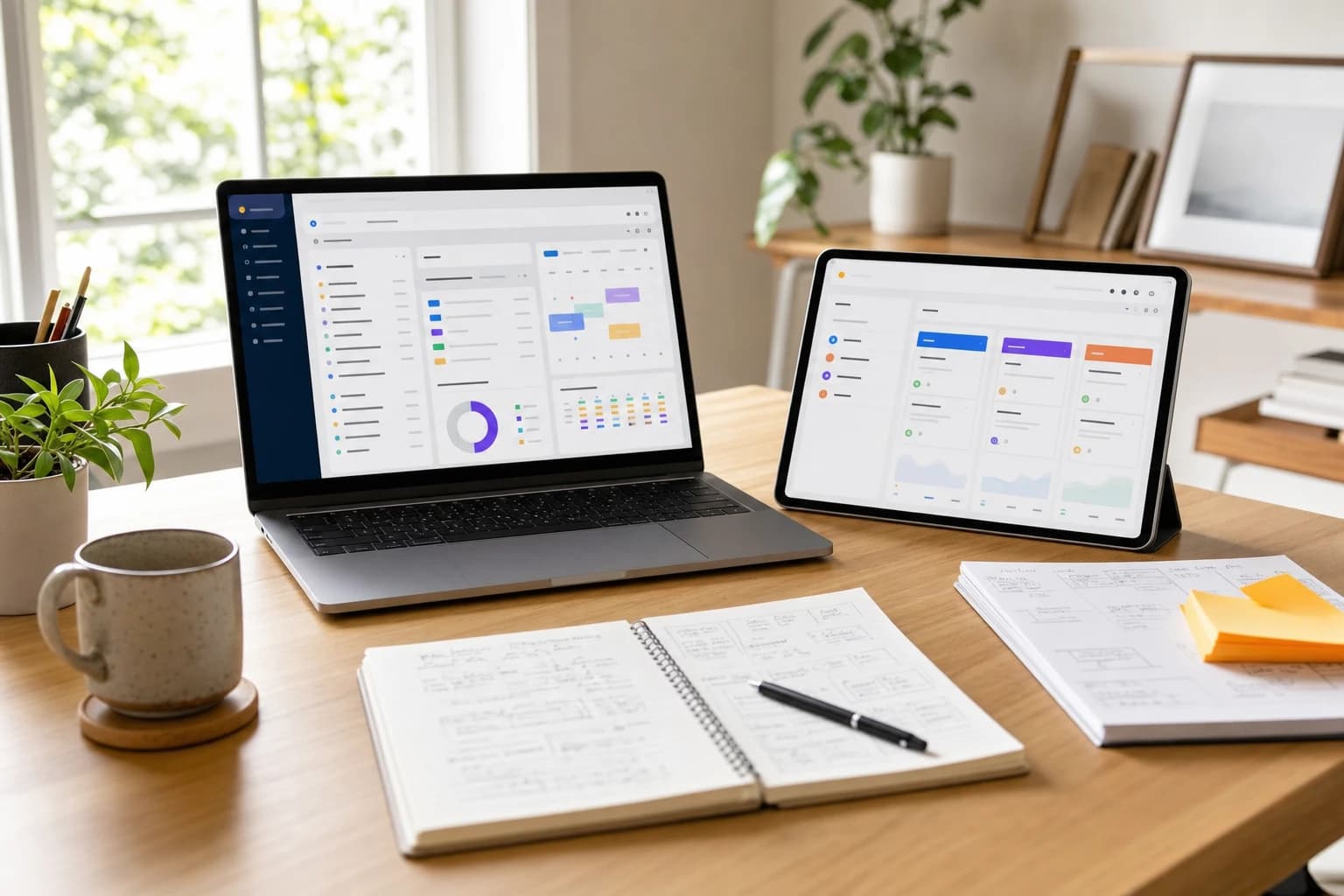
Quick answer: which app should freelancers choose?
Todoist is usually the better choice if your work is project-heavy, client-facing, and collaborative. It has a clean structure for projects, sections, labels, filters, priorities, comments, and team workspaces. If you need a dependable place to manage client projects, assign tasks, and keep shared work organized, Todoist feels more focused.
TickTick is usually the better choice if you want tasks, calendar planning, reminders, habits, and focus tools in one app. It is especially useful for solo freelancers who want to plan their day visually, build personal routines, use a built-in habit tracker, and work with a more all-in-one productivity setup.
If your biggest problem is coordinating client work, choose Todoist. If your biggest problem is planning your own time and sticking to routines, choose TickTick.
Both apps have free and paid plans. Pricing and plan limits can change, so check the official Todoist pricing page and TickTick upgrade page before deciding.
Todoist vs TickTick at a glance
| Criteria | Todoist | TickTick | Better fit |
|---|---|---|---|
| Best overall use case | Client projects, shared task lists, team workspaces, structured project management | Personal productivity, calendar planning, habits, reminders, and focus sessions | Depends on workflow |
| Freelance client tracking | Strong project and label structure for multiple clients | Good lists and tags, but more personal-productivity oriented | Todoist |
| Recurring tasks | Excellent natural-language recurring due dates such as every Monday or every 3 months | Strong recurring task support with flexible scheduling | Tie |
| Calendar planning | Useful integrations and upcoming views, but less calendar-first | Built around calendar-style planning and time blocking | TickTick |
| Priorities | 4 priority levels: P1, P2, P3, and P4 | High, Medium, Low, and no priority | Tie |
| Habit tracking | No dedicated habit tracker in the same way as TickTick | Built-in habit tracking | TickTick |
| Collaboration | More polished for shared projects and small-team workflows | Supports sharing, but collaboration is not its main advantage | Todoist |
| Interface feel | Minimal, fast, structured | Feature-rich, flexible, slightly busier | Personal preference |
| Pricing decision | Worth considering if client and team organization justify a paid plan | Often attractive for solo users who want many productivity tools in one subscription | Depends on budget and team size |
How freelancers and small teams should judge a task manager
A freelancer does not use a task app like a student or a large company. The app has to handle paid work, deadlines, context switching, admin tasks, and follow-ups. A small team adds another layer: assignments, shared visibility, comments, and responsibility.
Before comparing individual features, ask what kind of pressure your task manager must reduce. For most freelancers and small teams, the important questions are:
- Can you separate clients clearly? You should be able to see Client A without mixing it with Client B.
- Can you track deadlines and follow-ups? A missed revision, invoice reminder, or approval request can damage a client relationship.
- Can recurring work be automated? Weekly reports, monthly invoices, content calendars, backups, and check-ins should not be recreated manually.
- Can you plan capacity? A task list is useful, but a calendar view can reveal whether your week is already full.
- Can you collaborate without confusion? For small teams, each task needs an owner, a due date, and enough context to avoid repeated messages.
- Can the app stay simple? A powerful tool is not helpful if maintaining it becomes another job.
With those criteria in mind, Todoist and TickTick start to look less like identical to-do apps and more like different productivity systems.
Where Todoist works best for freelancers
Todoist is strongest when you need a clean, reliable project structure. A freelance designer, copywriter, consultant, developer, virtual assistant, or marketing specialist can create a project for each client, then divide that project into sections such as Backlog, This Week, Waiting for Client, In Review, and Done.
The app is especially good at quick capture. You can type a task such as Send invoice to Acme Friday p1 and turn a thought into an organized action quickly. Todoist’s natural-language input and recurring due dates are documented in its official help resources, including its guide to recurring due dates.
Todoist also handles priorities in a way that is easy to scan. P1 tasks appear as the most urgent, followed by P2, P3, and P4. This is useful when your day contains a mix of deep work, admin, and client follow-ups. Instead of treating every task as equal, you can mark the 2 or 3 tasks that must happen today.
For small teams, Todoist’s advantage is clarity. Shared projects, comments, task assignments, due dates, and team workspaces make it easier to keep work in one place. It is not a replacement for a full project management suite when you need complex reporting, budgets, dependencies, or advanced permissions. But for a team of 2 to 10 people managing deliverables, it can be enough.
Example Todoist setup for a freelancer
- Project: Client - BrightCo Website Refresh
- Sections: Ideas, To Do, Waiting for Client, In Progress, Final Review, Completed
- Labels: design, copy, invoice, meeting, urgent, waiting
- Recurring tasks: Send weekly status update every Friday; review project budget every 2 weeks
- Priorities: P1 for deadline-critical work, P2 for important client communication, P3 for admin, P4 for someday tasks
This structure is simple enough to maintain, but detailed enough to prevent work from disappearing into a generic to-do list.
Where TickTick works best for freelancers
TickTick feels more like a personal productivity cockpit. It can manage projects, but its real appeal is the combination of tasks, calendar views, reminders, habits, and focus features. If you are a solo freelancer who wants one place to plan work and personal routines, TickTick can feel more complete out of the box.
The calendar experience is a major reason people compare TickTick with Todoist. A task list tells you what needs to be done. A calendar helps you see when it can realistically happen. For freelancers with irregular schedules, client calls, content deadlines, and deep-work blocks, this matters.
TickTick also includes a built-in habit tracker, which is useful if your productivity depends on routines outside client tasks. Examples include writing for 30 minutes, updating your portfolio, logging expenses, checking leads, stretching after long work sessions, or reviewing tomorrow’s plan. TickTick describes its product as combining to-dos, calendar, habits, and focus tools on its official features page.
The trade-off is that TickTick can feel busier. If you only need a disciplined project list for client work, the extra tools may distract you. But if you want a single app for tasks and personal execution, those tools are exactly the point.
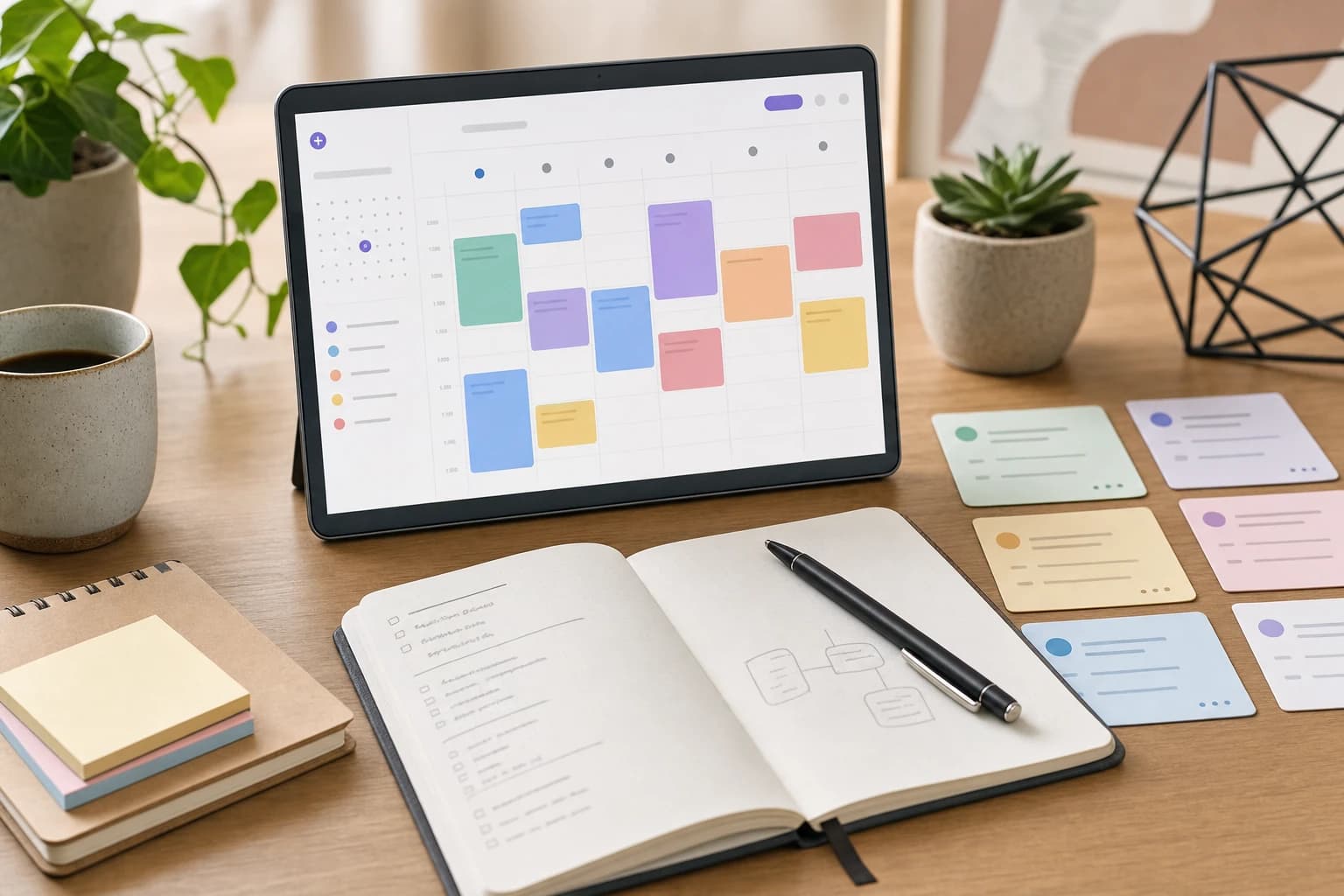
Example TickTick setup for a solo freelancer
- Lists: Client Work, Admin, Sales Pipeline, Content, Personal
- Tags: client-a, client-b, invoice, call, deep-work, quick
- Calendar blocks: 9:00-11:00 client writing; 11:30-12:00 email; 2:00-3:30 proposal draft
- Habits: Review leads, publish portfolio update, daily planning, expense logging
- Reminders: Follow up 2 days after proposal; send invoice on the last business day of the month
This setup is less about team visibility and more about helping one person turn intentions into scheduled action.
Client task tracking: Todoist is cleaner for multi-client work
For freelancers with several active clients, Todoist’s project-first structure is a strong advantage. You can create one project per client or one project per engagement. That makes it easy to review everything related to a client before a call or deadline.
A practical Todoist structure might look like this:
- Create a project for each active client.
- Add sections for Backlog, This Week, Waiting for Client, In Progress, and Done.
- Use labels for work type, such as writing, design, meeting, invoice, review, or admin.
- Add due dates only when a task truly has a deadline.
- Use comments to store links, brief notes, and client decisions.
TickTick can do a similar setup with lists and tags, but it feels better when the focus is on your day rather than on client-by-client project structure. If you handle many small client requests each week, Todoist’s cleaner separation may reduce friction.
For career-focused freelancers applying to remote roles or contract positions, task management is only one part of staying organized. It can pair well with application preparation resources such as How to Prepare for a Remote Job Interview or a profile refresh using the LinkedIn Profile Checklist for Remote Job Seekers.
Recurring work and reminders: both are strong, but use them differently
Recurring tasks are essential for freelance operations. Without them, admin work depends on memory, and memory is a poor project manager.
Todoist is excellent for recurring due dates because you can type them naturally. Common examples include:
- Send invoice every month on the 25th
- Review open proposals every Friday
- Back up client files every 2 weeks
- Update portfolio every 3 months
- Check unpaid invoices every Monday
TickTick also supports recurring tasks and reminders well, and it may be more attractive if you want those reminders connected to calendar planning, habits, or focus sessions. For example, a solo consultant might use TickTick to schedule a weekly business review every Friday at 3:00 PM, then follow it with a habit to update sales leads.
The better choice depends on where recurring work lives in your system. If recurring tasks are part of structured client operations, Todoist feels cleaner. If recurring work is part of a broader daily routine, TickTick feels more integrated.
Calendar planning and time blocking: TickTick has the edge
Many freelancers underestimate the difference between a task list and a plan. A task list can contain 25 items due this week. A calendar shows that you only have 14 focused working hours available after meetings, calls, and admin. That visibility prevents overcommitting.
TickTick’s calendar-oriented workflow is a clear advantage for time blocking. You can think in terms of morning deep work, afternoon communication, and short admin windows. This is helpful if you bill by project but still need to protect hours for delivery.
Todoist can still work well with calendar integrations and its Today and Upcoming views. It is fast for deciding what matters today. However, if your planning style depends on dragging tasks into time slots and seeing your day visually, TickTick is likely to feel more natural.
A simple freelance time-blocking method
- Start with fixed commitments. Add meetings, calls, school runs, appointments, and immovable deadlines first.
- Block deep work before admin. Reserve 90 to 120 minutes for the most valuable client work before checking low-priority messages.
- Group small tasks. Put invoices, file exports, quick replies, and scheduling into one 30-minute admin block.
- Leave a buffer. Keep at least one open block per day for client revisions or unexpected follow-ups.
- Review tomorrow before stopping. Move unfinished tasks intentionally instead of letting overdue tasks pile up.
Habit tracking and focus: TickTick offers more in one app
This is one of the clearest differences in the Todoist vs TickTick debate. Todoist is a focused task manager. TickTick includes more personal productivity tools, including habit tracking and focus-oriented features.
For freelancers, habits are not just personal wellness extras. They can support business consistency. A freelance writer might track daily pitching. A designer might track portfolio posting. A virtual assistant might track daily inbox review. A developer might track learning time for a new framework.
You can simulate habits in Todoist with recurring tasks, but it is not the same as having a dedicated habit tracker. If habit streaks, check-in routines, and focus sessions motivate you, TickTick is the stronger fit.
That said, more features can become more maintenance. If you already use a separate calendar, time tracker, or habit app, Todoist’s simplicity may be an advantage. The best task management app for freelancers is not always the app with the most features. It is the app you will still trust after a busy month.
Collaboration: Todoist is better for small teams
Small teams need more than personal reminders. They need shared responsibility. A task should answer 4 questions quickly: what needs to be done, who owns it, when it is due, and what context is required.
Todoist is stronger here because its collaboration model is easier to understand for lightweight team work. You can share projects, assign tasks, add comments, attach relevant context, and use project views to keep everyone aligned. Todoist’s official documentation for team workspaces explains how its team structure is designed to separate shared team work from personal tasks.
TickTick supports sharing and can work for simple collaboration, especially for a pair of freelancers or a small household-business setup. But it is less compelling as a team task hub. Its best features are centered on individual planning and productivity.

Small-team rule of thumb
- Use Todoist if multiple people need to assign, review, comment on, and complete client tasks.
- Use TickTick if collaboration is occasional and the main user still needs strong personal planning tools.
- Consider a heavier project management tool if you need dependencies, workload reports, client portals, approvals, or complex permissions.
Pricing: compare cost against workflow value
Both apps offer free and paid options, but the right pricing decision depends on your work model. A solo freelancer should not evaluate pricing the same way as a 6-person agency.
If Todoist helps prevent missed deadlines, clarifies handoffs, and reduces coordination messages, its paid team features may justify the cost for a small team. If TickTick replaces a separate habit tracker, calendar planner, and focus app for one person, its paid plan may be efficient for a solo worker.
Do not compare only the monthly price. Compare the total workflow value:
- Number of users: A per-user team plan becomes more significant as the team grows.
- Number of active clients: More clients usually require stronger organization.
- Cost of mistakes: Missing one client deadline may cost more than a year of software.
- Tool overlap: TickTick may replace more personal productivity tools, while Todoist may reduce the need for a lightweight project manager.
- Client expectations: Some clients need structured communication, assignments, and status visibility.
Because pricing and plan limits change, verify current details on the official pricing pages before subscribing. Also check whether you need monthly billing, annual billing, team administration, reminders, calendar features, or advanced sharing before comparing costs.
Practical setup checklist before you choose
The best way to decide is to run a small, controlled trial. Do not migrate your entire business on day one. Use the same sample workflow in both apps for one week.
What you need
- Time required: 45 to 60 minutes for setup, then 5 working days of normal use.
- Difficulty: Easy if you already know your active clients and recurring tasks.
- Materials: Your current client list, this week’s deadlines, recurring admin tasks, and 3 examples of tasks you often forget.
- Pick 2 active clients. Create the same client projects or lists in both apps.
- Add 20 real tasks. Include client deliverables, follow-ups, invoices, meetings, revisions, and admin work.
- Add 5 recurring tasks. Use examples such as weekly reports, monthly invoices, lead follow-ups, backups, and portfolio updates.
- Prioritize the week. Mark only the top 3 tasks per day as high priority or P1/P2.
- Plan one workday. In TickTick, try calendar-style planning. In Todoist, use Today and Upcoming views with priorities and labels.
- Share one project if you collaborate. Assign at least 3 tasks to another person and add comments with context.
- Review after 5 days. Ask which app felt easier to trust, easier to maintain, and easier to check at the start of the day.
If you are also organizing applications, client outreach, or a career shift, a clean task system can support documents and deadlines. For example, you could track resume updates alongside guidance from How to Rewrite Your Resume for Applicant Tracking Systems Without Keyword Stuffing.
Common mistakes when choosing between Todoist and TickTick
Choosing the app with more features instead of the app you will use
TickTick has more built-in personal productivity features, but that does not automatically make it better. If you ignore the habit tracker and calendar tools, those features do not matter. Todoist’s simplicity can be more valuable if it reduces decision fatigue.
Creating too many projects or lists
A common beginner mistake is creating a separate list for every tiny area of work. That makes the system look organized but harder to review. Start with broad areas such as Client Work, Admin, Sales, Content, and Personal, then add more structure only when needed.
Using due dates for everything
Due dates should mean something. If every task is due today, nothing is truly due today. Use due dates for real deadlines, scheduled work, and reminders. Use labels, priorities, or sections for everything else.
Forgetting the Waiting for Client category
Freelancers lose time when they forget which tasks are blocked by client feedback. Create a Waiting for Client section, label, or list. Review it twice a week and follow up politely when needed.
Not defining priority rules
Before marking tasks as urgent, define what urgent means. For example, P1 or High can mean deadline today, client-blocking issue, or revenue-critical work. If everything becomes urgent, priorities stop helping.
FAQ: Todoist vs TickTick for freelancers
Is Todoist better than TickTick for freelancers?
Todoist is better for freelancers who manage multiple client projects, need clean task organization, and collaborate with others. TickTick is better for freelancers who want stronger calendar planning, habits, and focus tools in one app.
Is TickTick good for small teams?
TickTick can work for simple shared lists and lightweight collaboration, especially for 2 people. For a small team that regularly assigns tasks, discusses work, and manages client deliverables, Todoist is usually the more organized choice.
Which app is better for recurring tasks?
Both Todoist and TickTick handle recurring tasks well. Todoist is especially smooth for natural-language recurring dates, while TickTick is useful when recurring work is tied to calendar planning or personal routines.
Can Todoist replace a project management tool?
Todoist can replace a lightweight project management tool for simple small-team workflows. It may not be enough if you need advanced reporting, dependencies, workload planning, client approval flows, or detailed permissions.
Can TickTick replace a calendar?
TickTick can handle a lot of day planning and time blocking, but whether it replaces your calendar depends on your workflow. If you rely heavily on external meeting invites or team calendars, you may still need your main calendar app.
Which app is cheaper?
Pricing changes, and the answer depends on whether you are paying as a solo user or for a team. Check the official Todoist and TickTick pricing pages, then compare the cost against the features you will actually use.
Final verdict: choose based on your workflow, not the feature list
For most freelancers who manage several clients, deadlines, and shared deliverables, Todoist is the safer and cleaner choice. It is structured, fast, and better suited to small-team collaboration. It keeps the focus on tasks, ownership, projects, and priorities.
For solo freelancers who want a more complete personal productivity system, TickTick is the more flexible choice. Its calendar planning, reminders, habit tracking, and focus tools make it useful for managing both client work and daily routines.
If you are still unsure, run the 5-day trial described above. Add the same client tasks, recurring work, and deadlines to both apps. The better app will become obvious when you see which one you open naturally, trust consistently, and maintain without overthinking.