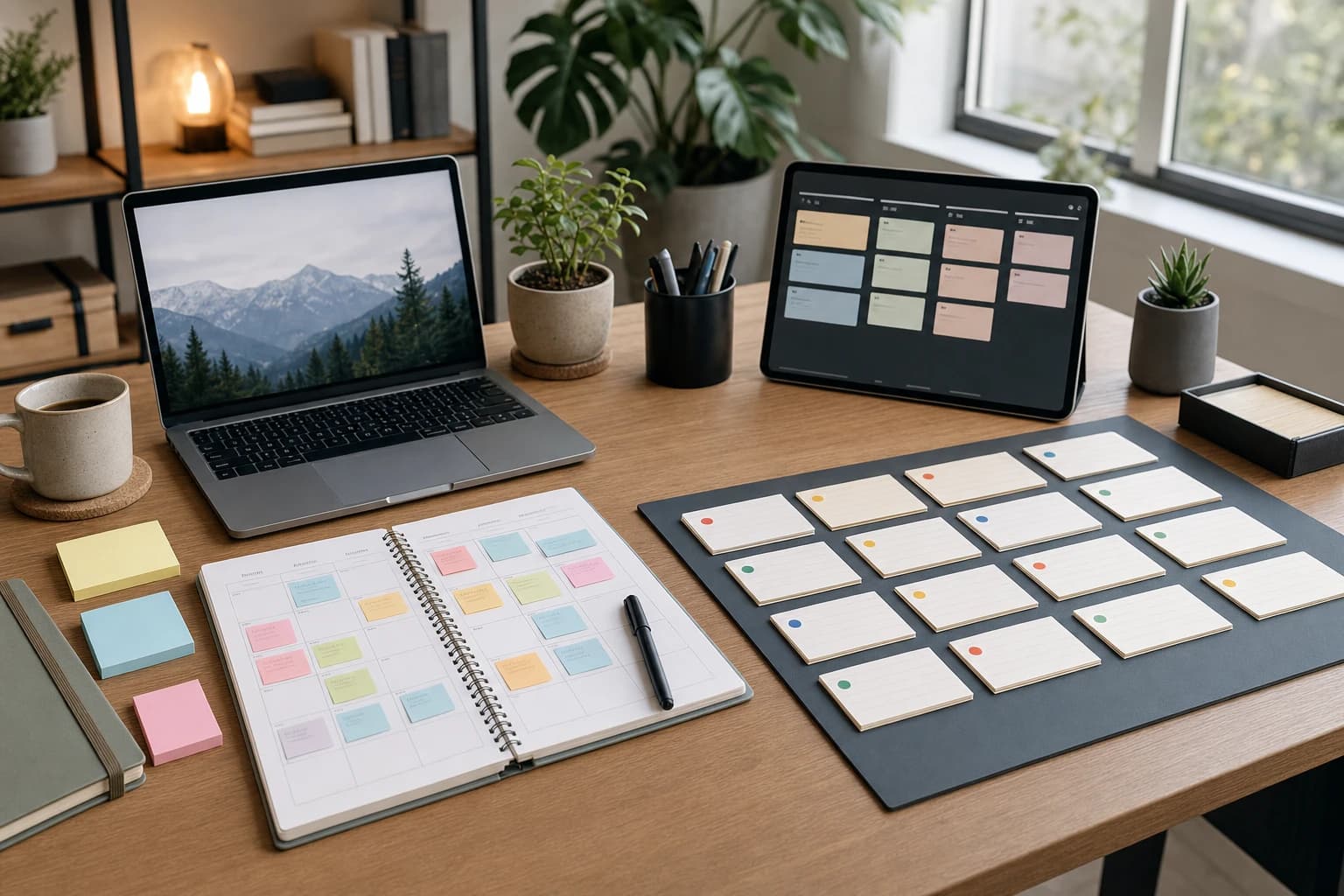

Big projects are easy to delay because they usually arrive as a foggy instruction: write the report, launch the website, prepare the presentation, organize the move, apply for the role, finish the proposal. The task is large enough to matter, but unclear enough to avoid.
This guide shows you how to stop procrastinating on big projects by turning one intimidating outcome into a 7-day project plan. You will define the finish line, break the big project into tasks, schedule realistic work blocks, build accountability, and track progress without relying on a sudden burst of motivation.

The short answer: reduce the project until the next action is obvious
Procrastination is not always laziness. Often, it is a planning problem. The APA Dictionary of Psychology defines procrastination as putting off tasks even when delay may lead to negative consequences. With big projects, that delay often happens because the work is vague, emotionally uncomfortable, or missing a clear first step.
The practical fix is to make the project smaller in three ways:
- Make the outcome concrete: define what “done” means in one sentence.
- Make the work visible: list the real tasks instead of carrying them in your head.
- Make the next step tiny: choose one action that can be completed in 10 to 30 minutes.
You do not need a perfect productivity system. You need a plan that makes starting less dramatic. The 7-day framework below is designed for a project that matters, has no immediate emergency deadline, and has been sitting on your to-do list for too long.
Tools you need for the 7-day project plan
Use simple tools. A complicated app can become another place to procrastinate.
- One planning document: a notebook page, Google Doc, Notion page, or plain text file.
- One calendar: digital or paper, used only to reserve work blocks.
- One task board: three columns labeled “To Do,” “Doing,” and “Done.” Sticky notes, Trello, a spreadsheet, or a page in a notebook all work.
- A timer: phone timer, kitchen timer, or computer timer.
- An accountability contact: a coworker, friend, manager, study partner, or group chat where you can send brief check-ins.
Time required: Plan for 45 to 75 minutes on Day 1, then 30 to 90 minutes per day for focused progress. If your project is part of your job, use work hours where possible. If it is personal, start with 30-minute blocks so the plan is sustainable.
Difficulty: Easy to moderate. The hard part is not the method; it is resisting the urge to redesign the method instead of doing the work.
The 7-day framework for starting a big task
This plan is not meant to finish every large project in one week. Its purpose is to get you moving, reduce overwhelm, and create enough momentum that the project no longer feels like a mystery.
Day 1: Define the finish line and the first milestone
Start by writing a one-sentence definition of done. Avoid vague outcomes such as “make progress” or “work on the proposal.” Use a sentence that someone else could verify.
Weak: “Work on the client report.”
Better: “Create a 12-page client report with an executive summary, findings section, three recommendations, and a final proofread PDF.”
Next, choose the first milestone. A milestone is not a task; it is a meaningful checkpoint. For the report example, the first milestone might be “approved outline with all data sources listed.”
- Write the final deliverable in one sentence.
- Write the first milestone in one sentence.
- List the deadline if one exists.
- Write the consequence of doing nothing for seven more days. Keep it factual, not dramatic.
This step matters because vague projects create vague resistance. A clear finish line gives your brain a target.
Day 2: Break the big project into tasks
On Day 2, empty the project out of your head. Set a timer for 20 minutes and list every action you can think of. Do not sort yet. Include research, messages, approvals, drafts, decisions, and technical steps.
Then rewrite each item so it begins with a verb. A task like “slides” is too vague. A better task is “draft title slide and agenda slide.” If a task would take more than 60 minutes, split it again.
Use this rule: a good task should be small enough that you can imagine starting it even on an average day.
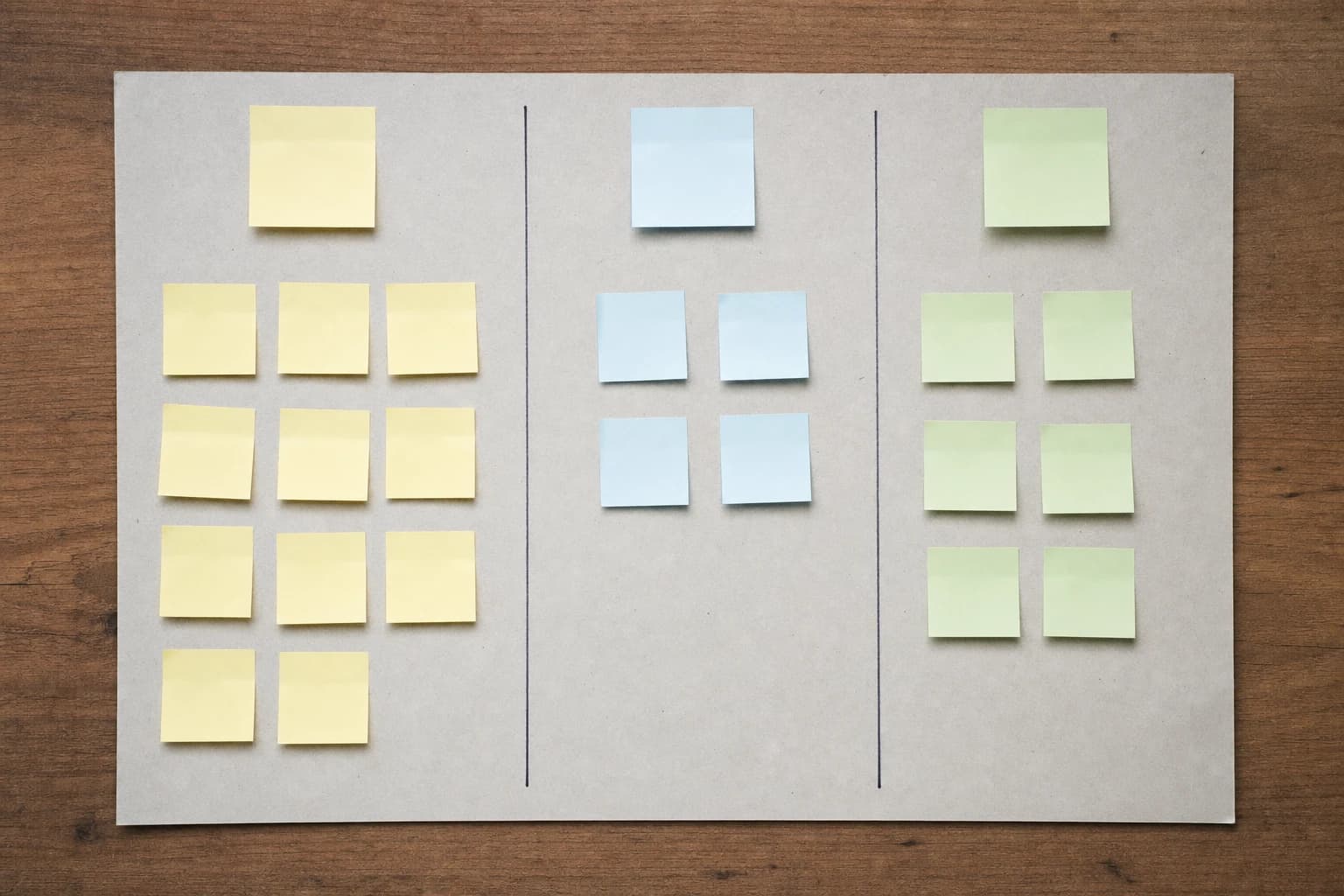
For example, instead of “prepare presentation,” break it into:
- Collect three source documents.
- Write a 5-bullet audience profile.
- Draft a 10-slide outline.
- Create slides 1 to 3.
- Create slides 4 to 7.
- Create slides 8 to 10.
- Send draft to one reviewer.
- Revise based on comments.
- Practice once with a timer.
If you are trying to rewrite your resume for applicant tracking systems without keyword stuffing, a big task like “fix resume” could become: save a master copy, compare the job description, identify missing role-specific terms, rewrite the summary, revise three bullet points, check formatting, and export a clean PDF.
Day 3: Choose only three priority outcomes
Procrastinators often over-plan because it feels productive. Day 3 is where you decide what actually matters this week. Look at your task list and choose three outcomes that would make the project meaningfully better by the end of Day 7.
Use this filter:
- Outcome 1: Something that clarifies the project.
- Outcome 2: Something that creates a visible draft, prototype, outline, or decision.
- Outcome 3: Something that gets feedback or removes a blocker.
For a work proposal, the three outcomes might be: complete the outline, draft the pricing section, and send questions to the decision-maker. For a remote job interview, the outcomes might be: prepare answers, test the setup, and run a practice call. If that is your project, this remote job interview setup checklist can help you turn preparation into specific actions.
Day 4: Schedule work blocks, not intentions
“I’ll work on it tomorrow” is not a plan. On Day 4, place work blocks on your calendar. Use blocks of 30, 45, or 60 minutes. If you have been avoiding the project for weeks, do not start with a 4-hour marathon. A smaller block that actually happens is more valuable than an ambitious block you skip.
Each work block needs three details:
- Start time: for example, 9:00 a.m.
- End time: for example, 9:45 a.m.
- Task: for example, “draft slides 1 to 3,” not “presentation.”
Leave at least 10 minutes between back-to-back blocks if you are switching contexts. If the project is mentally heavy, schedule it before shallow tasks such as inbox cleanup whenever your role allows.
Day 5: Build an accountability checkpoint
Accountability works best when it is specific and low-friction. Do not ask someone to “keep me motivated.” Ask them to receive a simple update.
Send a message like this:
“I’m trying to move this project forward this week. By Friday at 3 p.m., I plan to send you a rough outline and three questions. You do not need to review deeply unless you want to; I just need a real checkpoint.”
If the project is at work, accountability might be a 10-minute check-in with a manager or teammate. If it is personal, it might be a photo of your task board at the end of the day. The point is to create a small external commitment before the project becomes invisible again.
Day 6: Complete one ugly first version
Day 6 is for producing something imperfect on purpose. A rough outline, messy draft, incomplete spreadsheet, first layout, or basic checklist is progress because it gives you something to improve.
Set a timer for 45 minutes and use this instruction: make the worst complete version that is still useful. This removes pressure. You are not trying to impress anyone yet. You are creating a surface to edit.
Examples of ugly first versions include:
- A proposal with headings and rough notes under each section.
- A slide deck with plain text and no design polish.
- A project budget with estimated categories but missing final numbers.
- A resume draft that focuses on content before formatting.
The University of North Carolina Writing Center gives similar practical advice for procrastination: reduce the task into smaller pieces and focus on manageable steps instead of the entire assignment at once. Their guide on procrastination is a useful resource, especially for writing-heavy work.
Day 7: Review, reset, and choose the next seven days
On Day 7, do not simply keep working. Review what happened. This is where project planning for procrastinators becomes repeatable.
- Move completed tasks to “Done.”
- Circle the task that created the most progress.
- Mark any task that was too vague, too large, or blocked by someone else.
- Write the next milestone.
- Schedule the next three work blocks.
If you made progress but did not finish, the plan still worked. The goal of the first week is to replace avoidance with evidence: you can start, you can create a draft, and you can decide the next action.
A simple progress tracker for your 7-day project plan
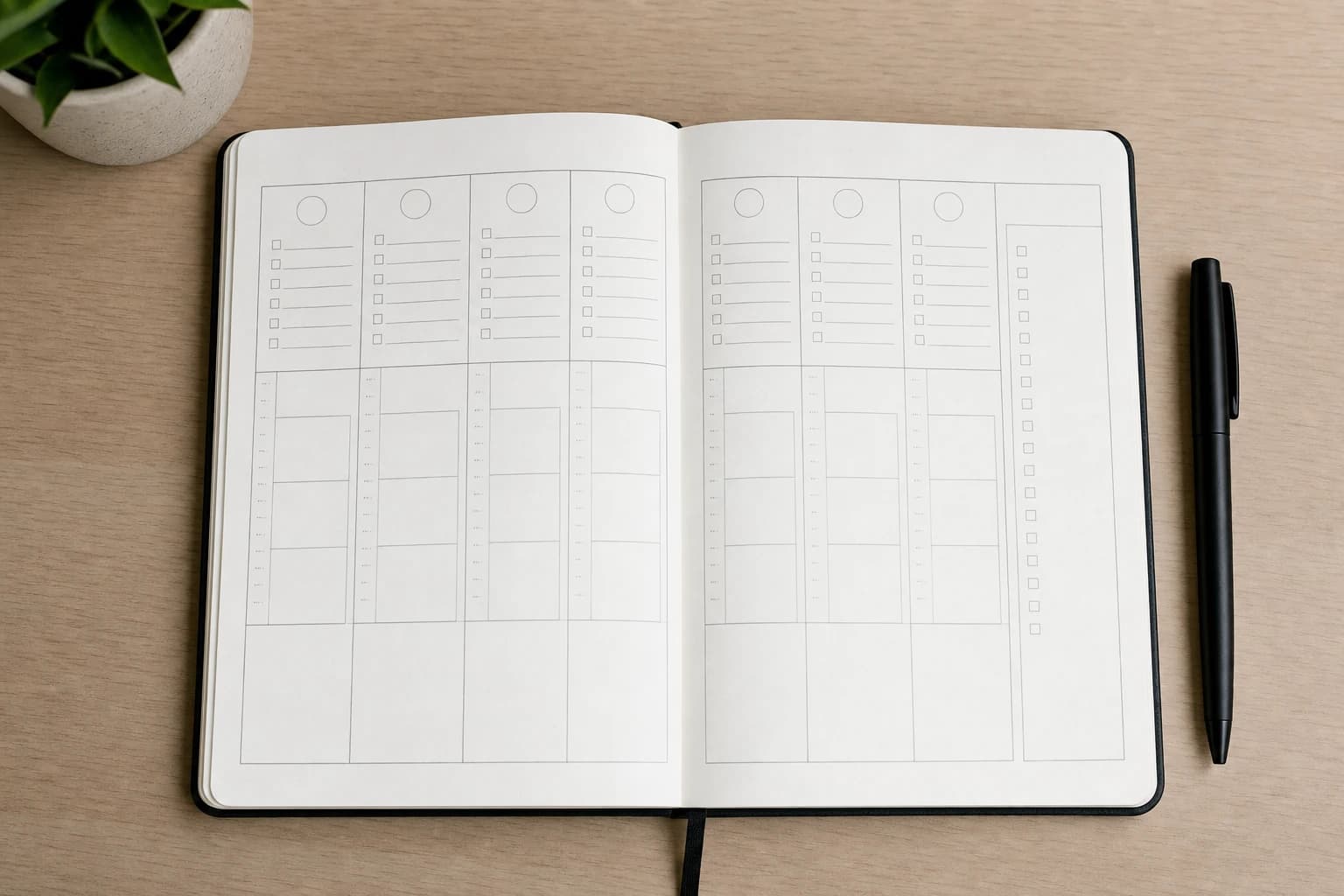
Use the tracker below in a notebook, spreadsheet, or task app. Keep it simple enough to update in under three minutes per day.
| Day | Main focus | Minimum action | Done marker |
|---|---|---|---|
| 1 | Define the project | Write the finish line and first milestone | One clear “done” sentence |
| 2 | Break into tasks | List 15 to 25 possible actions | Tasks start with verbs |
| 3 | Prioritize | Select three outcomes for the week | Three outcomes are highlighted |
| 4 | Schedule | Add at least three work blocks to the calendar | Each block has a task and time |
| 5 | Accountability | Send one checkpoint message | Another person knows the target |
| 6 | Draft | Create an ugly first version | A visible draft or prototype exists |
| 7 | Review | Update the board and schedule next blocks | Next milestone is chosen |
Common mistakes that keep big projects stuck
Waiting until you feel motivated
Motivation is useful when it appears, but it is unreliable as a starting requirement. A time block, a small task, and a visible checkpoint are more dependable than waiting for the right mood.
Turning planning into avoidance
Planning should create action. If you spend two hours choosing an app, redesigning labels, or color-coding tasks before doing any work, you may have moved procrastination into a more respectable outfit. Keep the system plain until the project is moving.
Making every task the same size
“Write proposal” and “email Sam for budget numbers” do not belong at the same level. Large tasks hide difficulty. Small tasks reveal the next step. If a task feels heavy, split it until it is concrete.
Ignoring blockers
Some procrastination is actually waiting disguised as avoidance. If you need approval, data, access, or a decision from someone else, mark that as a blocker and send the request early. A project cannot move smoothly if the first dependency is discovered on the final day.
Adapt the plan to different types of projects
The framework stays the same, but the outputs change depending on the project.
- Writing project: Day 6 should produce a rough outline or messy first draft, not a polished final version.
- Work presentation: Day 3 should prioritize the audience, message, and decision you want from the meeting.
- Job search project: Day 4 can include separate blocks for resume tailoring, application tracking, and interview preparation. For example, this guide on rewriting your resume for applicant tracking systems can become one focused project instead of a vague career task.
- Household or personal project: Use physical task cards and short weekend work blocks. Visible progress matters when the work competes with daily life.
- Team project: Add an owner to every task. A task with no owner is only a suggestion.
A quick rescue plan if you are already behind
If the deadline is close, skip perfection and run a compressed version:
- Spend 10 minutes defining the minimum acceptable finished version.
- Spend 15 minutes listing only the tasks required for that version.
- Delete or postpone anything that is cosmetic, optional, or dependent on a slow approval.
- Work in one 45-minute block on the task that makes the final deliverable real.
- Send a short status update if another person is affected by the delay.
This will not solve every deadline problem, but it can stop the spiral of avoidance and give you a workable path for the next few hours.
FAQ: How to stop procrastinating on big projects
What is the best first step when I cannot start a big task?
Write one sentence that defines what “done” looks like. Then choose a 10- to 30-minute action that moves toward it, such as opening a document, creating an outline, or sending one request for missing information.
How small should I make each task?
A good task should usually fit inside a 30- to 60-minute work block. If you look at a task and still feel unsure where to begin, it is probably too large or too vague.
What if I miss a day in the 7-day project plan?
Do not restart from Day 1 unless the project has changed. Continue with the next useful step and adjust the calendar. The plan is a structure, not a streak you have to protect.
How do I overcome procrastination at work without telling everyone I am behind?
Use neutral language. Instead of saying you procrastinated, say, “I’m clarifying the next milestone and will send an update by Friday.” Then create a specific checkpoint and deliver something visible, even if it is a rough draft.
What if the project is too large for seven days?
That is normal. The seven days are for creating momentum and a repeatable planning rhythm. At the end of the week, choose the next milestone and schedule the next three work blocks.
Conclusion: make the project smaller than your resistance
To stop procrastinating on a big project, do not wait until the whole path feels clear. Make the next part clear. Define the finish line, break the big project into tasks, choose three useful outcomes, schedule real work blocks, and create a simple accountability checkpoint.
The 7-day plan works because it changes the question from “How will I finish all of this?” to “What is the next visible action?” Once the next action is small enough to start, the project becomes less intimidating and progress becomes easier to repeat.