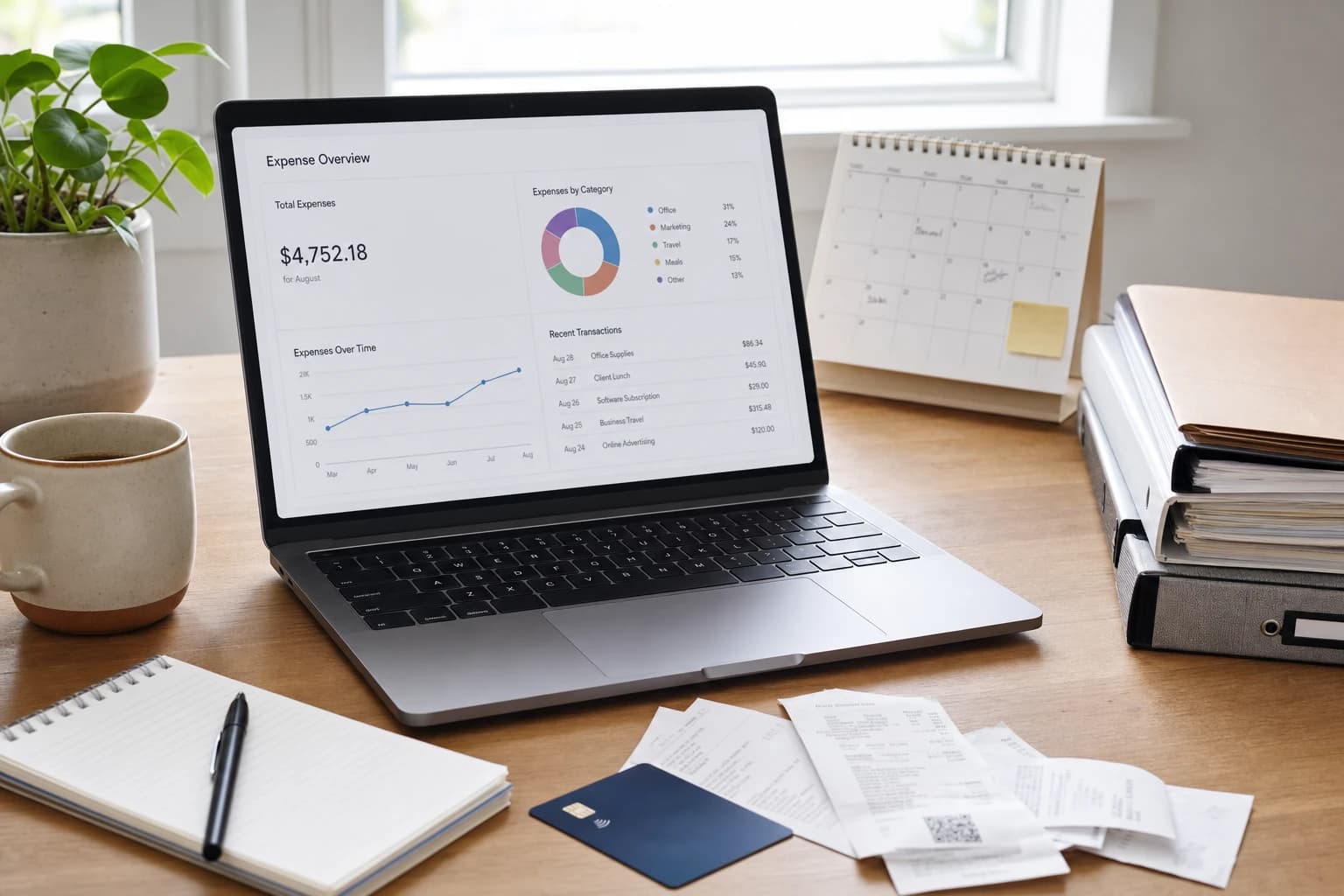
Choosing invoicing software is not only about sending a polished PDF. The right tool can help you collect payments faster, reduce awkward follow-up emails, keep client records tidy, and prepare cleaner information for bookkeeping or tax time. The wrong tool can create duplicate work, missing payment records, and confusing client communication.
This guide compares the best invoicing tools for freelancers and small businesses by practical needs: one-time invoices, recurring billing, automatic reminders, estimates, payment links, client portals, expense tracking, accounting integrations, mobile access, and free versus paid limits. It is written as a buyer-focused checklist rather than a ranked list based on claims that may change as vendors update features and pricing.

Quick answer: the best invoicing tool depends on your billing workflow
The best invoicing tools for freelancers and small businesses are not the same for every business. A freelance designer who sends five project invoices per month needs different features from a cleaning company with repeat customers, a consultant billing retainers, or an online seller collecting card payments.
Use this simple starting point:
- Freelancers with simple project billing: look at tools such as FreshBooks, Bonsai, PayPal Invoicing, Wave, or Zoho Invoice, depending on whether you need contracts, time tracking, or basic bookkeeping.
- Small businesses that need accounting depth: compare QuickBooks Online, Xero, FreshBooks, and Zoho Books because invoicing is tied closely to bank feeds, expense categories, reports, and accountant access.
- Service businesses that send estimates before invoices: prioritize tools with quote-to-invoice conversion, deposits, approval tracking, and client portals.
- Recurring revenue businesses: look for automatic recurring invoices, saved payment methods, retry rules, overdue reminders, and clear cancellation or pause controls.
- Businesses that take in-person or card payments: consider Square Invoices, Stripe Invoicing, PayPal, or accounting tools with built-in payment processor integrations.
Before choosing, confirm feature availability in your country, payment processor support, tax settings, invoice numbering rules, and current pricing on the vendor’s official website. Software plans change often, and a feature that is included in one plan today may move to another plan later.
Why invoicing software matters beyond getting paid
An invoice is a business record. It usually contains the seller, buyer, invoice number, date, due date, line items, tax, total amount, payment terms, and payment status. Keeping these records organized matters for customer service, bookkeeping, cash-flow planning, and tax documentation.
In the United States, the IRS advises businesses to keep records that support income, expenses, and credits reported on tax returns. The IRS recordkeeping guidance is a useful reminder that invoices and payment records should be stored consistently, not scattered across email threads and downloads. You can review the official guidance at IRS Small Business and Self-Employed Recordkeeping.
A good freelance invoice app or small business invoicing system should reduce manual work in four places:
- Creating invoices: reusable clients, products, services, rates, tax settings, and templates.
- Sending and tracking: email delivery, viewed status, due dates, reminders, and audit history.
- Collecting payment: card, ACH, bank transfer, payment links, deposits, and partial payments where supported.
- Bookkeeping handoff: exports, reports, accounting integrations, and accountant access.
If a tool only makes invoices look attractive but does not help with these steps, it may still leave you doing most of the administrative work manually.
Small business invoicing software comparison by real-world use case
The table below is not a claim that one product is universally better. It shows how common online invoicing tools for small business needs tend to fit different workflows. Always verify current plan limits, payment fees, regional availability, and accounting integrations before subscribing.
| Tool or tool type | Best fit | Features to compare closely | Watch-outs before choosing |
|---|---|---|---|
| FreshBooks | Freelancers and service businesses that want invoicing, time tracking, expenses, and simple accounting in one place | Estimates, recurring invoices, payment reminders, time-to-invoice workflow, client limits by plan, accountant access | Check whether the client count, team seats, and accounting features match your growth plans |
| QuickBooks Online | Small businesses that want invoicing connected to broader bookkeeping and accountant workflows | Invoice customization, sales tax settings, bank feeds, reports, estimates, payment options, user permissions | Can be more than a simple freelancer needs; compare plan levels carefully |
| Xero | Businesses that want strong accounting structure with invoicing and collaboration options | Invoice templates, payment services, bank reconciliation, contacts, reporting, accountant collaboration | Some limits and features vary by plan and region; confirm your local tax and payment needs |
| Zoho Invoice or Zoho Books | Freelancers and small teams already using Zoho apps, or businesses that want a structured workflow at a controlled cost | Client portal, estimates, recurring invoices, expense tracking, project billing, integration with Zoho CRM and other apps | Zoho’s product ecosystem is broad; make sure you select the invoicing/accounting product that fits your need |
| Wave | Very small businesses and freelancers that want straightforward invoices and basic money tracking | Invoice creation, payment processing options, receipts, basic accounting features, country availability | Feature availability and support can vary; check whether it fits your tax, payroll, or accountant workflow |
| Square Invoices | Local service businesses, appointment-based businesses, and sellers already using Square payments | Estimates, deposits, milestone payments, card payments, customer records, in-person and online payment flow | Best when Square is already a good fit for your payment setup; accounting depth may require an integration |
| PayPal Invoicing | Freelancers who need a familiar payment option for domestic or international clients | Payment links, client familiarity, basic invoice templates, currency support, payment status | Not a full accounting system; fees, holds, and currency handling should be reviewed carefully |
| Stripe Invoicing | Online businesses, subscriptions, and teams comfortable with a payment-first platform | Hosted invoices, recurring billing, payment methods, tax tools, developer options, dunning workflows | Powerful but may feel technical if you only need simple invoices |
| Bonsai or HoneyBook | Independent professionals who want proposals, contracts, scheduling, and invoices in one client workflow | Proposal-to-contract-to-invoice flow, retainers, forms, client portal, automation, templates | Best for service workflows; may not replace full accounting software for every business |
The features that matter most before you buy
1. Invoice creation and customization
At minimum, your tool should let you create professional invoices with your business name, client details, invoice number, issue date, due date, line items, tax, discounts, notes, and payment instructions. Custom branding is helpful, but clarity is more important than design.
Look for reusable products or services if you sell the same items repeatedly. For example, a virtual assistant might save “Monthly admin support retainer,” “Extra hourly support,” and “Rush project fee” as standard line items. This reduces typing errors and helps reports stay consistent.
2. Estimates, quotes, and approvals
If you sell project work, estimates can be more important than invoices. A strong estimate workflow lets you send a quote, get client approval, request a deposit, and convert the approved estimate into an invoice without retyping every line.
This is especially useful for web designers, tradespeople, consultants, photographers, event vendors, and agencies. If you often revise scope, check whether the software keeps estimate versions or makes it easy to duplicate and edit a previous quote.
3. Recurring invoices and retainers
Recurring invoices are essential when clients pay the same amount on a schedule, such as monthly retainers, maintenance plans, memberships, or ongoing support contracts. A good recurring setup should include start date, end date or no end date, billing interval, due date rules, automatic email sending, and reminder settings.
For a deeper guide focused on this exact workflow, read How to Choose Invoicing Software for Freelancers With Recurring Invoices.
4. Automatic payment reminders
Payment reminders save time, but they need to be respectful and controllable. Look for reminders that can be sent before the due date, on the due date, and after the due date. The wording should be editable so it matches your brand and client relationship.
A practical reminder schedule for many service businesses is: three days before due date, on due date, seven days overdue, and fourteen days overdue. That is not a legal rule; it is simply a manageable workflow that avoids daily nagging while still keeping the invoice visible.
5. Online payments and fees
Online payment links can reduce friction because clients can pay from the invoice page. Compare card payments, ACH or bank transfer, digital wallets, international payment support, and whether fees can be recorded automatically. Do not choose only by the advertised transaction fee; also consider settlement time, dispute handling, supported countries, and how payments sync to your records.
If you accept card payments, use reputable payment processors and understand your responsibilities for payment data. The PCI Security Standards Council publishes guidance for businesses that handle payment card information at pcisecuritystandards.org.
6. Expense tracking and billable expenses
Expense tracking is useful if you pass costs to clients or need clean records for bookkeeping. For example, a consultant may need to invoice a client for travel, software subscriptions, printing, or subcontractor costs. The tool should let you attach receipts, mark expenses as billable, assign them to a client or project, and pull them onto the next invoice.
If your expenses are complex, prioritize accounting software over a lightweight invoice-only app.
7. Accounting integrations
Some businesses can start with invoice-only software, but many eventually need bank reconciliation, profit and loss reports, balance sheets, payroll, sales tax workflows, or accountant access. If you already use accounting software, choose an invoicing tool that integrates cleanly or use the invoicing feature inside the accounting platform.
Disconnected tools can create duplicate customer records, mismatched invoice numbers, and payment reconciliation problems. If you are also organizing contacts and sales follow-ups, this CRM Spreadsheet Migration Checklist for Solo Consultants and Small Teams can help you clean up client data before connecting systems.
8. Mobile access
Mobile invoicing matters for field service businesses, consultants, photographers, delivery businesses, and anyone who invoices immediately after a job. Check whether the mobile app can create estimates, convert estimates to invoices, accept payments, scan receipts, and send reminders. Some apps are excellent for viewing records but limited for setup and reporting.
9. Client portal and payment history
A client portal gives clients one place to view invoices, estimates, payment history, contracts, or documents. It can reduce “Can you resend the invoice?” emails. For recurring clients, a portal is often more professional than sending attachments each month.
If you handle client projects with multiple steps, you may also need project management software alongside invoicing. This comparison of Asana vs Trello vs ClickUp for Client Projects can help separate project tracking from billing.
Free vs paid invoicing tools: what to check before relying on a free plan
Free invoicing software can be a smart starting point, especially for a new freelancer sending a small number of invoices. The risk is building your workflow around a free plan and later discovering that a key feature requires a paid upgrade.
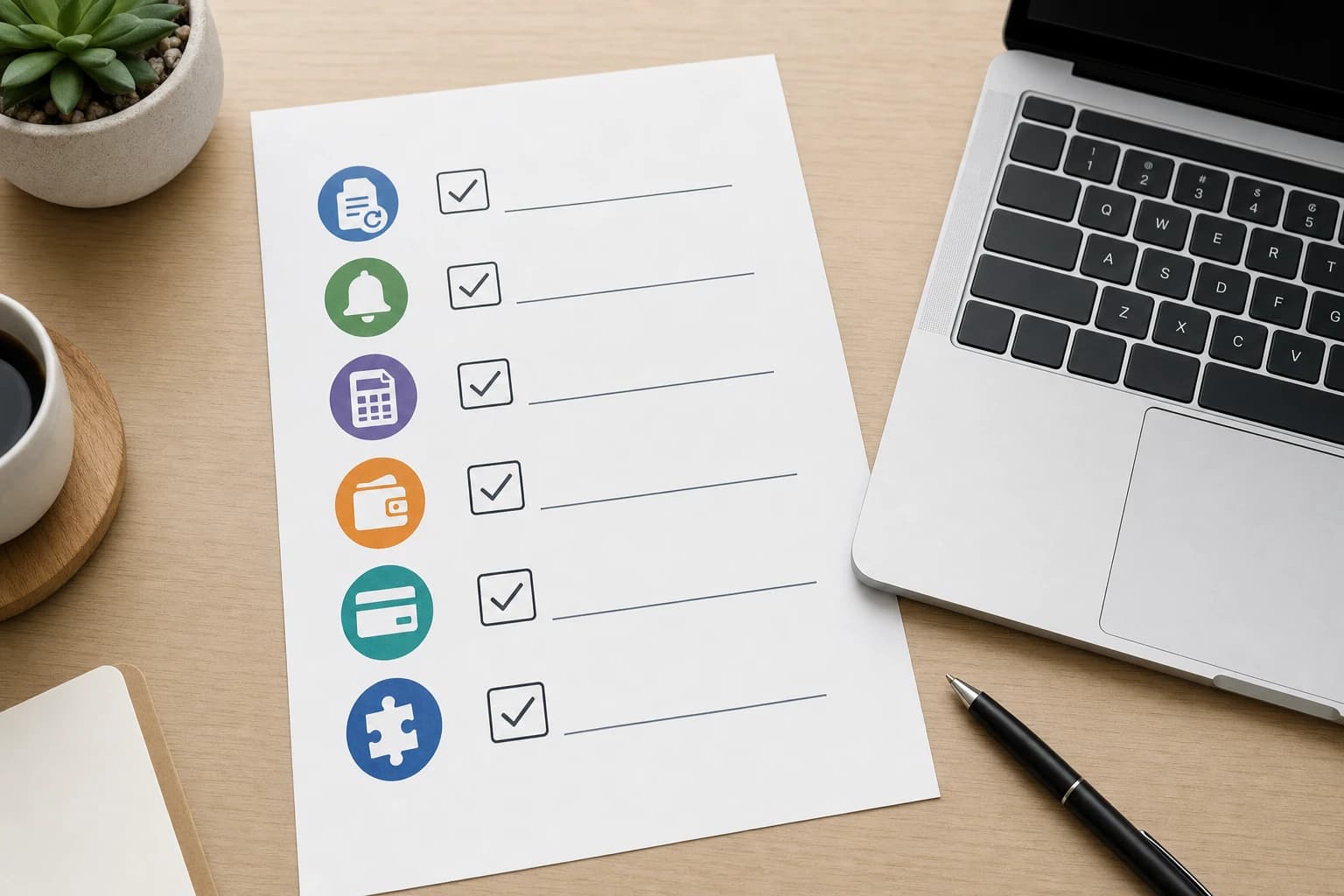
Before committing to a free plan, check these limits:
- Number of clients: some plans limit how many active clients you can bill.
- Number of invoices: invoice volume may be capped monthly or annually.
- Recurring billing: recurring invoices may be paid-only even if one-time invoices are free.
- Payment reminders: automation may require an upgrade.
- Branding: the free plan may include vendor branding on invoices or emails.
- Team access: adding a bookkeeper, assistant, or accountant may require a higher plan.
- Exports: reports, data exports, or accounting integrations may be limited.
- Support: free users may have slower or limited support channels.
Paid plans are worth considering when invoicing delays cost more than the subscription. For example, if automatic reminders prevent even one late payment conversation each month, the time savings may justify the cost for a busy service business. Still, compare the full monthly or annual cost, payment processing fees, add-ons, and the cost of extra users.
How to choose invoicing software: a practical 30-minute buying process
You do not need a month-long software evaluation for a basic invoicing decision. A focused 30-minute review can eliminate poor fits quickly.
Tools you need for the review
- Your last 10 invoices or a list of common services you bill for
- A list of your payment methods, such as card, ACH, bank transfer, PayPal, check, or cash
- Your current bookkeeping or accounting software name, if any
- A list of must-have features and nice-to-have features
- One sample client workflow, from estimate to payment
- Map your billing workflow. Write down exactly how money moves through your business. Example: inquiry, estimate, 50% deposit, project delivery, final invoice, reminder after seven days, payment by card.
- Separate must-haves from preferences. A must-have might be recurring invoices. A preference might be changing the invoice accent color.
- Check plan limits before design. Confirm client limits, invoice limits, recurring invoice availability, reminders, exports, and user seats.
- Create one sample invoice. Use a real service description and tax setup, but do not send it. Check how many clicks it takes and whether the final invoice is clear.
- Test one payment flow. Review what the client sees, what payment methods are offered, and how paid status appears in the dashboard.
- Review integration needs. If you use accounting software, a CRM, project management, or file storage, check whether the invoice tool fits your existing stack.
- Export your data. Before relying on any platform, confirm you can export clients, invoices, and payments in a usable format such as CSV or PDF.
If you are comparing broader small-business systems, you may also find it helpful to review how your files and client documents are stored. This guide to Google Drive vs Dropbox vs OneDrive for Remote Team File Management can help you avoid scattering invoices, contracts, and project files across too many places.
Decision checklist by business type
| Business type | Prioritize these features | Usually less important at the start |
|---|---|---|
| Solo freelancer | Simple invoice templates, online payment links, reminders, basic expense tracking, exports | Advanced inventory, complex user permissions, multi-entity accounting |
| Consultant on retainers | Recurring invoices, saved clients, time tracking, retainers, automatic reminders, accountant access | Point-of-sale hardware, product inventory |
| Creative service business | Proposals, estimates, deposits, contracts, project billing, client portal | Deep inventory and warehouse features |
| Local field service business | Mobile app, estimates on site, deposits, card payments, receipt capture, customer history | Complex subscription billing unless offering maintenance plans |
| Agency or small team | User permissions, project tracking, time-to-invoice, client portals, reporting, accounting integration | Single-user free plans with strict limits |
| Online subscription business | Recurring billing, failed payment retries, payment method updates, tax settings, customer self-service | Manual PDF invoice design |
Common mistakes to avoid
- Choosing by price only. A free plan is not cheaper if it causes hours of manual follow-up or poor records.
- Ignoring payment fees. Subscription price and processing fees are separate costs. Review both.
- Skipping data export checks. You should be able to leave a tool without losing your invoice history.
- Using invoice numbers inconsistently. Pick a clear numbering pattern and let the system maintain it when possible.
- Mixing personal and business payment records. Keep business income and expenses organized from the beginning.
- Not checking tax settings. Sales tax, VAT, GST, and local requirements vary. Software can help calculate and record, but you are responsible for using the right settings for your situation.
Important: This article is a software buying guide, not tax, legal, or accounting advice. For tax filing rules, invoice requirements, or business registration questions, consult official government guidance or a qualified professional in your jurisdiction.
FAQ
What is the best invoicing tool for a freelancer?
The best choice depends on your workflow. A freelancer who only sends a few invoices may prefer a simple app with online payments and reminders. A consultant with retainers should prioritize recurring invoices, time tracking, and accounting integration. Creative freelancers may benefit from tools that include proposals, contracts, and client portals.
Is free invoicing software good enough for a small business?
It can be, especially for a very small business with simple billing. Before relying on a free plan, check limits for clients, invoices, recurring billing, payment reminders, exports, and support. If those limits block your normal workflow, a paid plan may be more practical.
Should I use invoicing software inside my accounting platform?
If you already use accounting software such as QuickBooks Online, Xero, FreshBooks, Zoho Books, or Wave, using its built-in invoicing can reduce duplicate data entry. A separate invoicing tool may still make sense if you need stronger proposals, contracts, client portals, or industry-specific workflows.
What features help reduce late payments?
Clear due dates, online payment links, automatic reminders, deposits, partial payments, and visible payment status can all help. The invoice should also explain exactly what the client is paying for and how to pay. Software cannot guarantee on-time payment, but it can remove common friction.
Do I need a client portal?
A client portal is not required for every business, but it is helpful when clients need to view invoices, estimates, receipts, contracts, or payment history in one place. It is especially useful for recurring clients and project-based service businesses.
Conclusion: choose the tool that matches how you get paid
The best invoicing tools for freelancers and small businesses are the ones that match your actual billing process. Start with your workflow: one-time invoices, estimates, deposits, recurring billing, online payments, expenses, and accounting handoff. Then compare tools against those needs instead of choosing by brand name or template design alone.
If you are just starting, a simple freelance invoice app with payment links and reminders may be enough. If your business is growing, prioritize accounting integrations, exports, user access, and client records. The right choice should make invoicing easier for you and clearer for your clients.