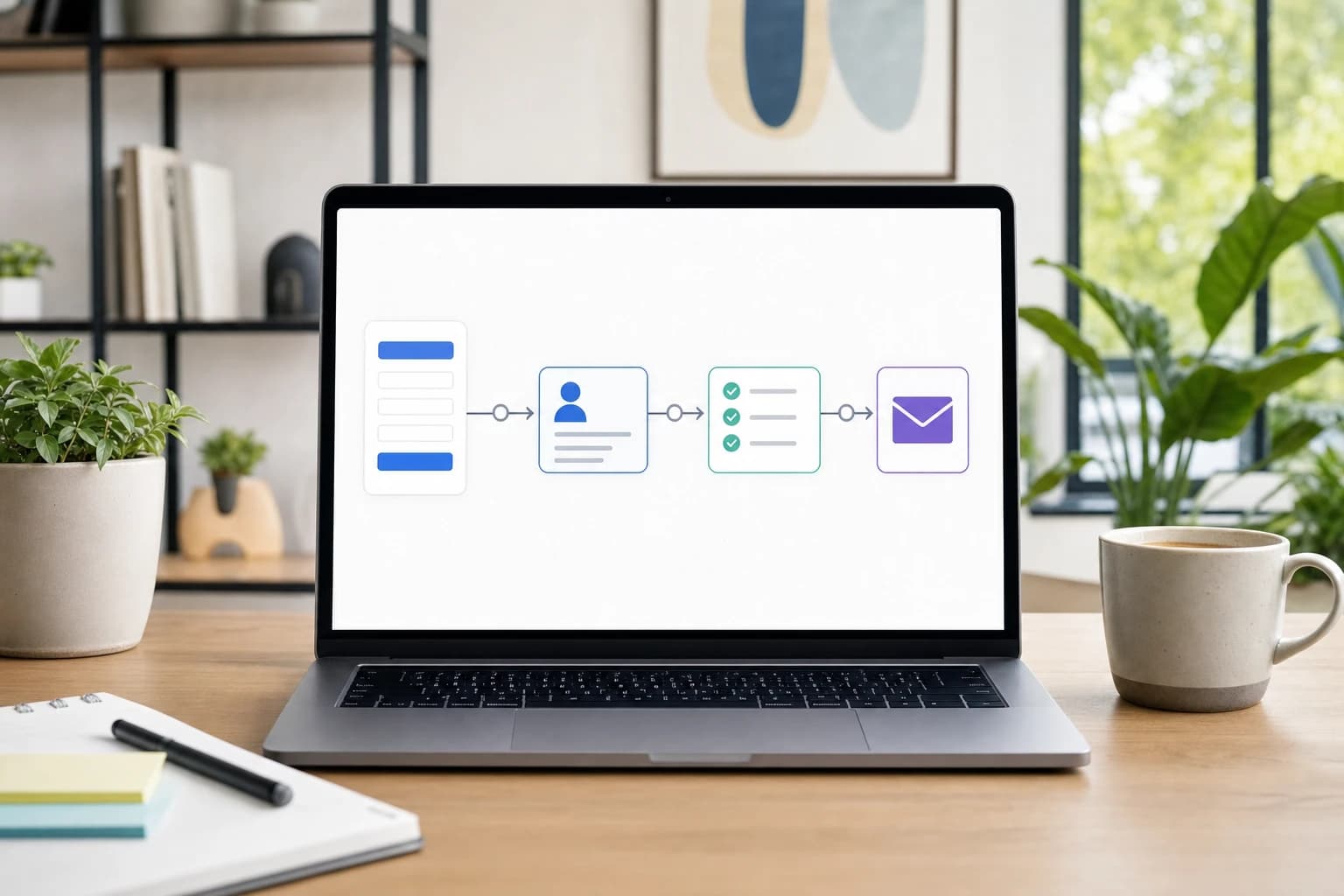
If you invoice the same clients every month, copying last month’s PDF is not a system. It is a reminder-dependent chore. The right invoicing software can schedule retainer invoices, send polite payment reminders, collect online payments, and keep client records searchable when tax season or a client question arrives.
This guide is for freelancers, consultants, developers, designers, and small service businesses that need recurring invoices and payment reminders without adopting an overly complex finance stack. It includes tool categories, named examples, a sample recurring invoice setup, reminder wording, a decision matrix, and a practical scoring rubric you can use before subscribing.
Publication note: Prepared by the Kez10 Business Tools Editorial Team. Last updated: 2026-06-28. This article is general software research, not accounting, legal, tax, or financial advice. Pricing and plan features change often, so verify current details on each provider’s pricing page before buying.
How we evaluated invoicing software features
For this guide, Kez10 used a workflow-based evaluation rather than a popularity ranking. We looked at public product documentation, pricing-page structures, help-center material, and the requirements of a realistic freelancer billing workflow: 3 monthly retainers, 2 one-off projects, 30-day payment terms, 3 automated reminder points, online payment links, and monthly CSV/PDF exports.
We did not fabricate hands-on benchmark results, private customer reviews, or performance tests. The named tools below are examples to help you build a shortlist, not paid endorsements or universal rankings.
Our 20-point freelancer invoicing rubric
| Area | Points | What earns full points |
|---|---|---|
| Recurring invoices | 5 | Monthly, weekly, quarterly, and annual schedules; start date; end date; pause option; draft or auto-send mode |
| Payment reminders | 4 | Editable reminders before due date, on due date, and after overdue; ability to pause reminders per invoice |
| Payments | 4 | Card or bank payment links, clear processing fees, mobile-friendly payment page, deposit or partial payment support if needed |
| Records and exports | 4 | Client history, invoice status, paid date, tax fields, processing fees, CSV export, PDF archive |
| Fit and cost control | 3 | Plan limits are clear; pricing fits your invoice volume; data can be exported if you leave |
A practical buying rule: do not pay until a tool scores at least 16 out of 20 against your own workflow. If recurring invoices or reminders score below 3 out of their available points, keep looking.
The short answer: choose around your billing workflow, not the longest feature list
The best invoicing software for freelancers is the tool that matches how you bill in real life. A brand designer with 4 monthly retainers needs different controls from a developer billing maintenance hours, and both need different features from a small agency that tracks contractors, deposits, and expenses.
For most freelancers who have outgrown spreadsheets, the core requirements are:
- Recurring invoice schedules for retainers, maintenance plans, subscriptions, hosting support, or ongoing consulting.
- Payment reminders that are editable, timed correctly, and easy to pause for individual clients.
- Online payment options so clients can pay by card, bank transfer, ACH where available, or processor-specific payment links.
- Client history with invoices, payments, notes, tax details, and outstanding balances in one place.
- Tax-ready records that export income, invoice numbers, payment dates, taxes, fees, and unpaid balances.
Before comparing apps, write down 5 numbers: how many invoices you send per month, how many repeat automatically, your standard due date, your average invoice amount, and how many clients pay late in a typical quarter. Those numbers tell you which features matter.
Named examples: which invoicing tools should freelancers shortlist?
The tools below are not ranked. They represent common categories freelancers compare when they need recurring billing. Always confirm current pricing, availability, and feature limits for your country.
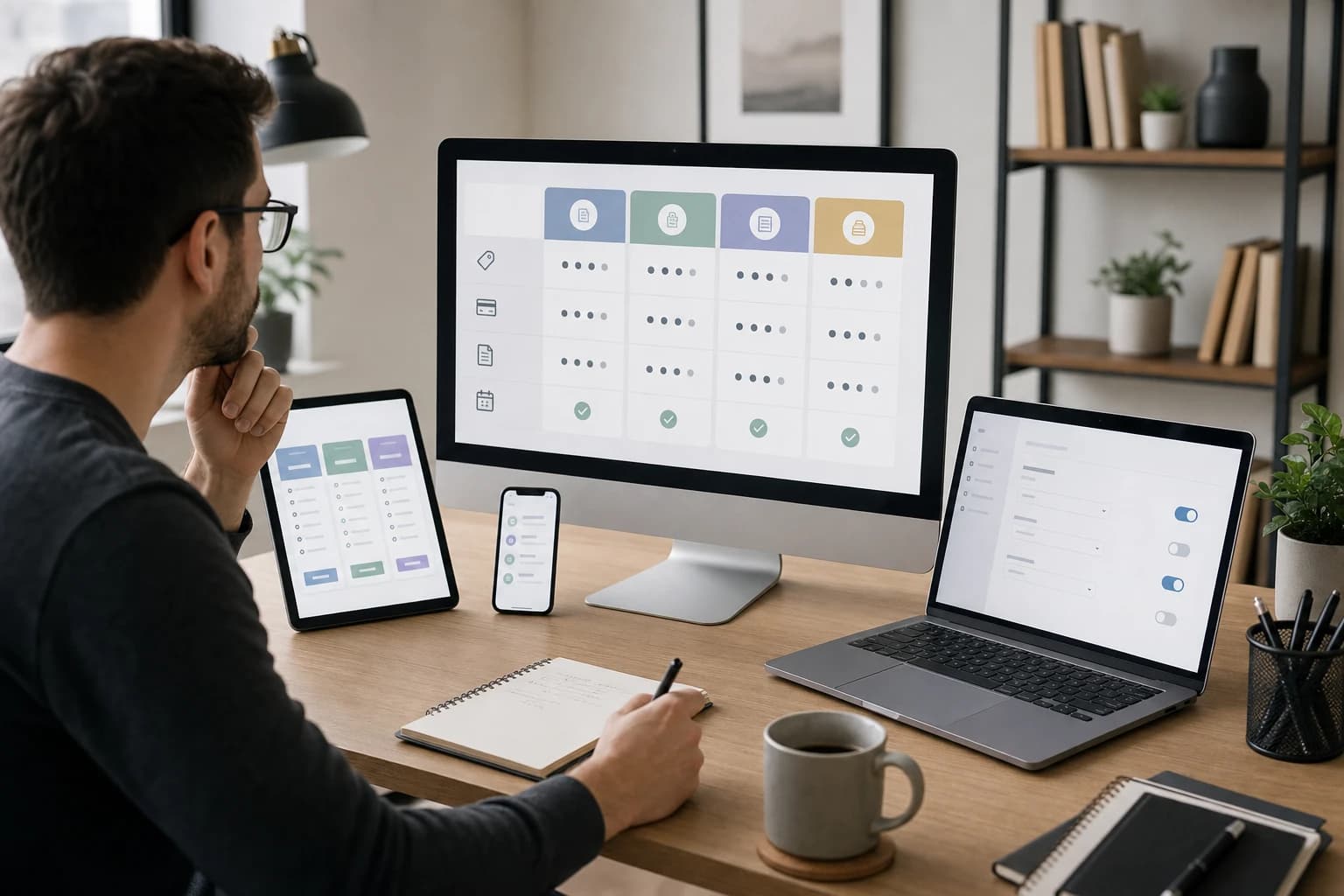
| Tool or category | Best-fit freelancer | Recurring invoice notes | Pricing model to check |
|---|---|---|---|
| Zoho Invoice | Best for simple retainers and freelancers who want dedicated invoicing before full accounting software | Check recurring invoice profiles, reminders, client portal, estimates, and export options | Zoho has offered Zoho Invoice as a free invoicing product; payment processor fees may still apply |
| Wave Invoicing | Best for solo freelancers who want free invoicing plus optional online payments | Useful for straightforward recurring invoices, reminders, and client payment links | Wave invoicing has commonly been free to use; card, bank, payroll, and advisory services may have fees |
| FreshBooks | Best for service freelancers who want invoices, time tracking, expenses, estimates, and client-friendly billing | Good category fit for retainers, recurring templates, late-payment reminders, and project billing workflows | Paid tiers such as Lite, Plus, Premium, or Select may vary by client limits and features |
| QuickBooks Online | Best for accounting-first freelancers who want invoicing connected to bookkeeping, expenses, bank feeds, and accountant access | Check whether your selected tier includes the recurring transaction and reminder controls you need | Paid accounting tiers often include names such as Simple Start, Essentials, Plus, and Advanced, depending on region |
| Xero | Best for freelancers who want accounting, bank reconciliation, multi-currency options on higher plans, and accountant collaboration | Useful when recurring invoices need to sit inside a broader accounting system | Paid tiers vary by region, commonly with entry, standard, and premium-style plan levels |
| Stripe Invoicing | Best for payment-link invoicing, online-first services, deposits, and card or bank payment workflows | Strong when the payment experience matters more than full bookkeeping | Stripe publishes percentage-based invoice pricing, including Starter and Plus invoice options in many markets |
| PayPal Invoicing | Best for freelancers whose clients already prefer PayPal or international payment links | Good for quick invoices and payment links; confirm recurring or subscription needs separately | Often no monthly invoicing software fee, but transaction and currency fees can apply |
For official payment-security context, see the PCI Security Standards Council. For U.S. recordkeeping guidance, the IRS says businesses should keep records that support income, deductions, and credits reported on tax returns: IRS small business recordkeeping guidance.
Decision matrix: best tool type by freelancer workflow
| Freelancer type | Typical billing pattern | Best tool category | Why it fits |
|---|---|---|---|
| Brand or web designer | 2 to 6 retainers, deposits, final project invoices | FreshBooks-style service invoicing or Zoho Invoice-style dedicated invoicing | Balances recurring retainers, estimates, client-facing invoices, and basic reports |
| Consultant or coach | Monthly retainers, prepaid packages, occasional one-off sessions | Simple invoicing app or payment-link invoicing | Keeps billing lightweight and makes payment easy for busy clients |
| Freelance developer | Maintenance retainers, hourly overages, milestone invoices | Service invoicing with time tracking or accounting-first platform | Handles recurring base fees plus variable hours, expenses, or support work |
| Writer or content marketer | Monthly content packages, per-piece invoices, recurring editorial support | Simple recurring invoicing app | Needs repeatable line items, reminders, and clear client history more than complex accounting |
| Small creative agency | Multiple clients, contractors, expenses, deposits, recurring retainers | Accounting-first platform | Supports users, reports, accountant access, and cleaner financial controls as volume grows |
Sample recurring invoice setup for a freelancer retainer
Use this sample to test any app during a free trial. It is specific enough to reveal whether the recurring invoice screen actually fits freelance work.
- Client: Acme Studio LLC
- Service: Monthly website maintenance retainer
- Recurring amount: $750 per month
- Schedule: Create invoice on the 1st day of each month
- Due date: Net 14, due on the 15th day of each month
- Line item 1: Website maintenance retainer, 1 month, $600
- Line item 2: Plugin updates and uptime checks, 1 month, $150
- Tax: Apply only if required for your location and service type
- Payment methods: Card and bank transfer if supported
- Reminder schedule: 3 days before due date, on due date, 7 days overdue, 14 days overdue
- End condition: Continue until cancelled, with the ability to pause
- Export requirement: CSV including invoice number, issue date, due date, amount, tax, payment date, processing fee, and status
If a tool cannot create this example cleanly in under 20 minutes, it may be too limited or too complicated for a freelancer retainer workflow.
Tools and materials for evaluating invoicing software
Time required: 60 to 90 minutes per shortlisted tool. Difficulty: Easy to moderate. Quantity: Test 2 or 3 tools, not 10. More than 3 usually creates comparison fatigue.
- 1 list of current clients and invoice amounts
- 3 sample invoices: 1 recurring retainer, 1 one-off project, 1 overdue invoice
- 1 test client using your own email address
- 1 payment-method checklist for card, bank transfer, ACH, PayPal, or Stripe links
- 1 export checklist for CSV, PDF, invoice status, tax fields, and payment fees
- 1 password manager and two-factor authentication setup for account security
A practical 7-step buying process
- Map your current billing in 30 minutes. List every active client, invoice frequency, amount, payment terms, payment method, and whether the amount changes each month.
- Pick 5 non-negotiables. For example: recurring monthly invoices, editable reminders, online payments, CSV exports, and client history.
- Shortlist 2 or 3 tools. Choose one simple invoicing tool, one accounting-first option, and one payment-link option if online payment speed matters.
- Create the $750 sample retainer invoice. Confirm schedule, due date, line items, taxes, notes, invoice number, and auto-send or draft mode.
- Preview the reminder sequence. Make sure you can edit wording and pause reminders for a single invoice.
- Send a test invoice to yourself. Open it on mobile and desktop. The amount due, due date, payment button, and contact details should be obvious within 10 seconds.
- Export a report before subscribing. Check that CSV and PDF exports include the fields your accountant, bookkeeper, or future self will need.
Sample polite payment reminder wording
Automation should still sound human. Use these examples as starting points and adjust them for your client relationships.
Reminder 3 days before due date
Hi [Client Name], a quick reminder that invoice [Invoice Number] for [Amount] is due on [Due Date]. You can review and pay it here: [Payment Link]. Please let me know if you need anything from me.
Reminder on the due date
Hi [Client Name], invoice [Invoice Number] for [Amount] is due today. The payment link is here: [Payment Link]. Thanks, and please reply if your billing team needs a copy or any additional details.
Reminder 7 days overdue
Hi [Client Name], I’m following up on invoice [Invoice Number], which was due on [Due Date] and currently shows as unpaid. You can pay here: [Payment Link]. If payment has already been sent, thank you — please disregard this note or send the payment reference when convenient.
Reminder 14 days overdue
Hi [Client Name], invoice [Invoice Number] for [Amount] is now 14 days overdue. Please confirm the expected payment date by [Specific Date]. If there is an issue with the invoice or payment method, let me know so we can resolve it promptly.
Key features to evaluate before you buy
1. Recurring invoices that match your retainers
A recurring-invoice checkbox is not enough. Check whether you can set start date, end date, frequency, invoice number sequence, payment terms, taxes, discounts, line-item descriptions, and whether invoices auto-send or wait as drafts.
Draft review matters if your monthly invoice changes because of extra hours, expenses, or project notes. Auto-send works best for fixed retainers such as $500, $1,000, or $2,500 monthly service packages where the scope rarely changes.
2. Payment reminders you can control
A strong reminder system should support at least 3 reminder points: before the due date, on the due date, and after the invoice becomes overdue. You should be able to edit templates, include the invoice number and amount automatically, and pause reminders for one client without disabling reminders everywhere.
3. Online payment options and fee visibility
Online payments reduce friction, but they add cost. Before choosing a tool, confirm which processor is used, whether card and bank payments are available in your country, whether clients must create an account, and how fees appear in reports. For high-value invoices, compare card fees against bank-transfer options because a small percentage difference can matter on a $5,000 or $10,000 invoice.
4. Client history and searchable records
Each client profile should show contact details, unpaid invoices, paid invoices, recurring profiles, notes, and payment history. You should be able to search by client name, invoice number, status, date range, and amount. If you keep meeting notes separately, pair invoicing with a notes system; see best note-taking apps for organized notes.
5. Tax-ready exports and accountant access
Invoice software is not a substitute for a qualified tax professional, but it should reduce recordkeeping chaos. Look for exports that include invoice number, issue date, due date, paid date, gross amount, taxes, processing fees, refunds, and client details. If you work with a bookkeeper, accountant access can be worth paying for.
Pricing questions to ask before choosing a plan
Do not compare only the monthly subscription price. Compare the plan that actually supports your workflow.
- Are recurring invoices included, or only available on a higher tier?
- Are automatic payment reminders included?
- Is the plan priced per user, per business, per client, or by invoice volume?
- Are there limits on clients, invoices, estimates, recurring profiles, or users?
- What card, bank-transfer, international, and currency-conversion fees apply?
- Can you pass payment fees to clients legally and contractually in your location?
- Can you export all invoices, clients, payments, and reports without upgrading?
- Does the plan include accountant or bookkeeper access?
- What happens if a recurring client payment fails?
- Can you cancel monthly, and what happens to invoice history after cancellation?
An invoice software checklist for freelancers
Copy this checklist into your task manager and mark each item as required, nice to have, or not needed. If you want a better system for reviewing admin tasks, see Todoist vs TickTick for freelancers.
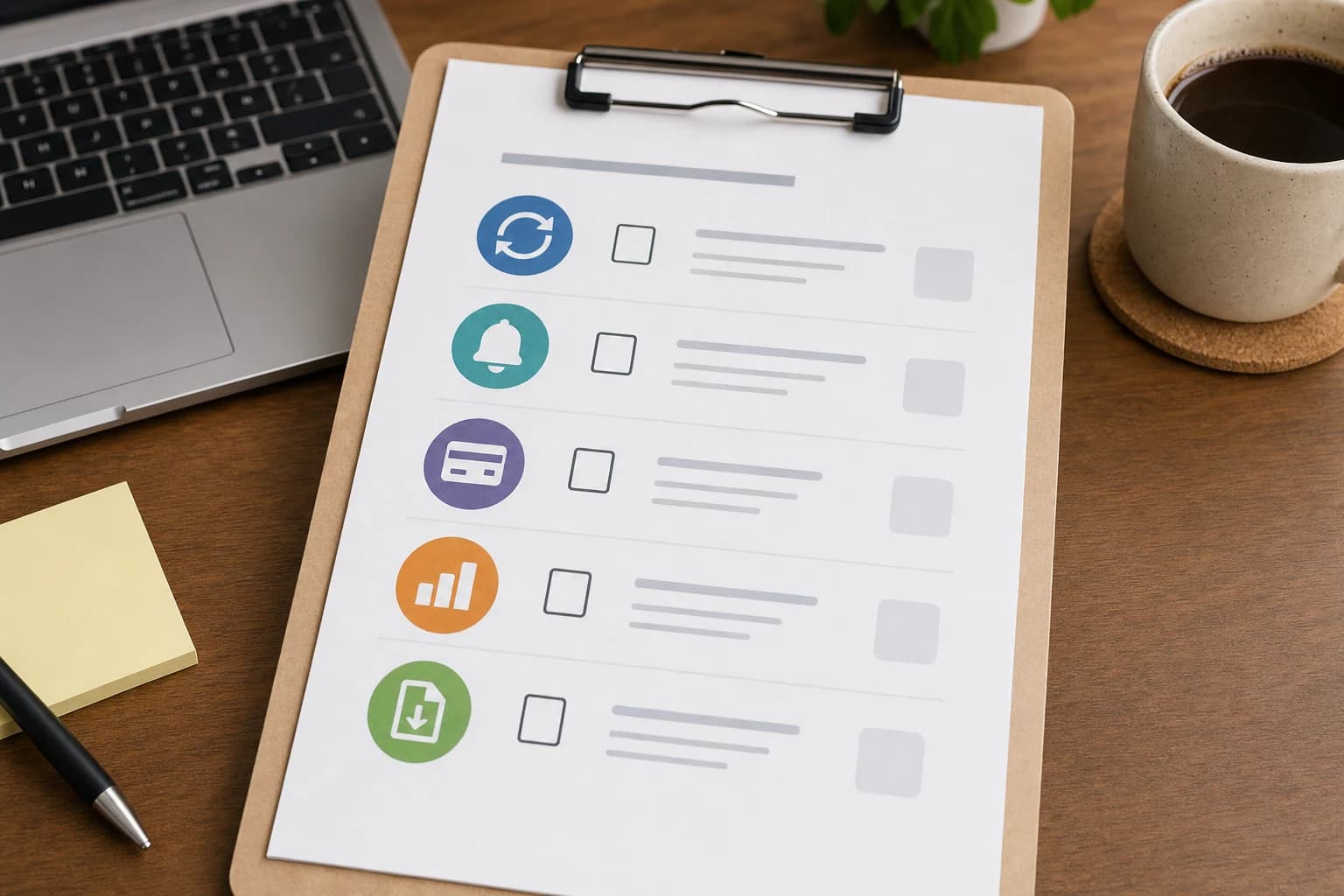
- Recurring billing: monthly, quarterly, annual, custom start date, end date, pause option, draft mode, auto-send mode.
- Invoice customization: logo, business details, tax fields, payment terms, line items, notes, and client-specific templates.
- Reminder settings: editable messages, multiple reminder dates, pause controls, and visible overdue status.
- Payment methods: cards, bank transfer, payment links, deposits, partial payments, and international support if needed.
- Fees and settlement: processing fees, currency conversion, payout timing, failed payment handling, refunds, and chargeback process.
- Records and reporting: income reports, unpaid invoice reports, tax summaries, CSV export, PDF archive, and client statements.
- Integrations: accounting software, calendar, CRM, time tracking, project management, and payment processors.
- Data ownership: export options, cancellation rules, backup process, and access to past invoices after downgrading.
- Support: help center quality, email or chat support, response expectations, and availability in your time zone.
- Growth fit: limits on clients, invoices, users, recurring profiles, currencies, and separate businesses.
Common mistakes to avoid
Choosing based only on the cheapest plan
The cheapest plan may exclude the exact feature you need, such as recurring invoices, automated reminders, multi-currency support, or accountant access. Compare the monthly cost plus payment fees plus the value of your saved admin time.
Ignoring the client payment experience
A beautiful invoice still fails if the payment link is confusing. Open the test invoice on a phone. If you cannot find the amount due, due date, and payment button within 10 seconds, clients may struggle too.
Letting automation send the wrong tone
Review all reminder wording before activating it. A 3-day pre-due reminder should sound helpful. A 14-day overdue reminder can be firmer, but it should stay factual and professional.
Forgetting exports until tax season
Confirm export quality before relying on a tool for the year. You want searchable records, not a locked dashboard. For a weekly admin routine, see how to build a weekly time-blocking system in Google Calendar.
Trying to make invoicing software manage every task
Invoicing tools are for billing, payment tracking, and records. Use project management or task software for deliverables, approvals, and client follow-ups. This prevents the overloaded admin lists described in common task management mistakes.
Security, reliability, and support checks
When invoicing software handles client names, addresses, tax details, invoices, and payment links, security matters. Look for two-factor authentication, clear privacy documentation, user permissions for bookkeepers, secure payment processing, and a public help center that explains billing failures, refunds, reminders, and exports.
Reliability is difficult to judge from a landing page, so check whether the provider has a public status page, documented support channels, and clear export or cancellation instructions. The best-looking invoice template is not enough if support is unreachable when a recurring invoice fails.
FAQ
What is the best invoicing software for freelancers with recurring invoices?
There is no single best tool for every freelancer. Zoho Invoice and Wave can suit simple retainers, FreshBooks-style tools fit service freelancers who want time tracking and client-friendly invoices, QuickBooks Online or Xero fit accounting-first workflows, and Stripe Invoicing or PayPal Invoicing can work well when payment links are the priority.
How many payment reminders should I set?
A practical sequence is 3 days before the due date, on the due date, 7 days overdue, and 14 days overdue. Keep the first two friendly and make later reminders firmer but factual. Always choose software that lets you pause reminders for a specific invoice.
Do freelancers need accounting software or just invoicing software?
If you only need invoices, reminders, payments, and exports, dedicated invoicing software may be enough. If you also need expense tracking, bank reconciliation, formal financial reports, sales tax or VAT reporting, or accountant collaboration, an accounting-first platform may be a better fit.
Should I accept card payments on freelance invoices?
Card payments can make invoices easier to pay, but processing fees reduce your net income. Compare card, bank-transfer, ACH, and international payment options. For larger invoices, even a small percentage fee can be meaningful, so review fees before enabling a payment method.
What records should I export from invoicing software?
Export invoice PDFs, client lists, invoice numbers, issue dates, due dates, paid dates, unpaid balances, taxes collected, processing fees, refunds, and annual income summaries. Requirements vary by country and business type, so check your tax authority or a qualified professional.
Can I switch invoicing software later?
Yes, but switching is easier when your current tool supports complete CSV and PDF exports. Before subscribing, confirm that you can download clients, invoices, payments, recurring profiles if available, and reports without needing a higher plan.
Schema-ready article notes for publication
- Article type: HowTo and buying guide
- Primary topic: invoicing software for freelancers with recurring invoices
- Author: Kez10 Business Tools Editorial Team
- Reviewed by: Kez10 Editorial Review
- Date published: 2026-06-28
- Date modified: 2026-06-28
- Image note: Replace all IMAGE_PLACEHOLDER tokens with final images and descriptive alt text before publication.
Conclusion: pick the tool that protects your time and records
The right invoicing software should send the correct recurring invoice, remind clients professionally, make payment simple, and preserve clean records. For freelancers, the strongest choice is rarely the tool with the most features. It is the one that handles your real billing pattern with the least manual work.
Start with your actual invoices, test a $750 sample retainer, preview the reminder sequence, send yourself a test invoice, and export a report before paying. If the software scores at least 16 out of 20 on your workflow, it belongs on your shortlist. If it only makes attractive PDFs, you may outgrow it quickly.