

Bookkeeping becomes stressful when it is treated as a once-a-year cleanup job. For a one-person business, the better approach is a simple monthly bookkeeping routine for small business finances: collect the month’s records, match money in and out, review what changed, and file everything where you can find it later.
This guide is written for freelancers, consultants, creators, and solopreneurs who do not have an accountant on staff. It covers the monthly accounting tasks for freelancers that are safe to handle yourself, including invoices, receipts, bank reconciliation, expense review, and document organization. It does not provide tax advice. If you have questions about tax filings, deductions, sales tax, payroll, or legal structure, speak with a qualified professional in your location.
The simple monthly bookkeeping routine at a glance
A good bookkeeping routine should be boring, repeatable, and short enough that you will actually do it. For many one-person businesses, one focused session per month is enough, provided you keep business and personal money separate and record transactions consistently.
Plan for 60 to 120 minutes per month for a very small business with one bank account, one credit card, and fewer than 100 monthly transactions. If you send many invoices, use multiple payment platforms, or travel often, allow more time.
Quick routine summary
- Frequency: once per month, ideally within the first 5 business days after month-end.
- Difficulty: beginner to intermediate.
- Best for: freelancers, consultants, coaches, creators, contractors, and solo service businesses.
- Main outcome: clean records, matched bank balances, filed documents, and a clear view of income and expenses.
Tools and documents you need before you start
You do not need a complicated finance stack to organize business finances monthly. Start with tools you can maintain consistently. If your business grows, you can add more automation later.
- Business bank account: one checking account used only for business income and expenses.
- Business credit card or debit card: optional, but helpful for separating expenses.
- Bookkeeping software or spreadsheet: software is easier for recurring invoices and reconciliation, but a well-structured spreadsheet can work for a very small operation.
- Invoicing tool: useful if you bill clients monthly or need payment reminders. If you are comparing options, see how to choose invoicing software for freelancers with recurring invoices.
- Cloud storage folder: Google Drive, Dropbox, OneDrive, or another secure system for receipts, statements, contracts, and invoices. For file storage decisions, this guide to Google Drive vs Dropbox vs OneDrive for remote team file management may help.
- Monthly checklist: a reusable list in your task manager, calendar, spreadsheet, or notes app.
Use a calendar block so the routine does not depend on memory. A recurring appointment named “Monthly bookkeeping close” is enough. If admin work tends to get crowded out by client projects, a weekly planning system such as time blocking in Google Calendar can help you reserve a fixed slot.
Monthly bookkeeping checklist for solopreneurs
Use this bookkeeping checklist for solopreneurs as your monthly close. The goal is not perfection; it is to make sure every transaction has a place, every invoice has a status, and every document can be found later.
| Task | What to check | Done when |
|---|---|---|
| 1. Gather documents | Bank statements, credit card statements, receipts, invoices, payment processor reports | All files are saved in the month’s folder |
| 2. Review invoices | Paid, unpaid, overdue, draft, or cancelled invoices | Invoice list matches actual deposits |
| 3. Record income | Client payments, platform payouts, refunds, fees withheld | Every deposit has a source and category |
| 4. Record expenses | Software, supplies, contractors, subscriptions, travel, bank fees | Every expense has a category and receipt when available |
| 5. Reconcile accounts | Book balance compared with bank and card statements | Balances match or differences are explained |
| 6. Review unusual items | Duplicate charges, missing payments, failed subscriptions, client overpayments | Problems are corrected or added to a follow-up list |
| 7. Save reports | Profit and loss, invoice aging, expense summary | Monthly reports are exported or bookmarked |
Step-by-step: how to organize business finances monthly
1. Create a clean folder for the month
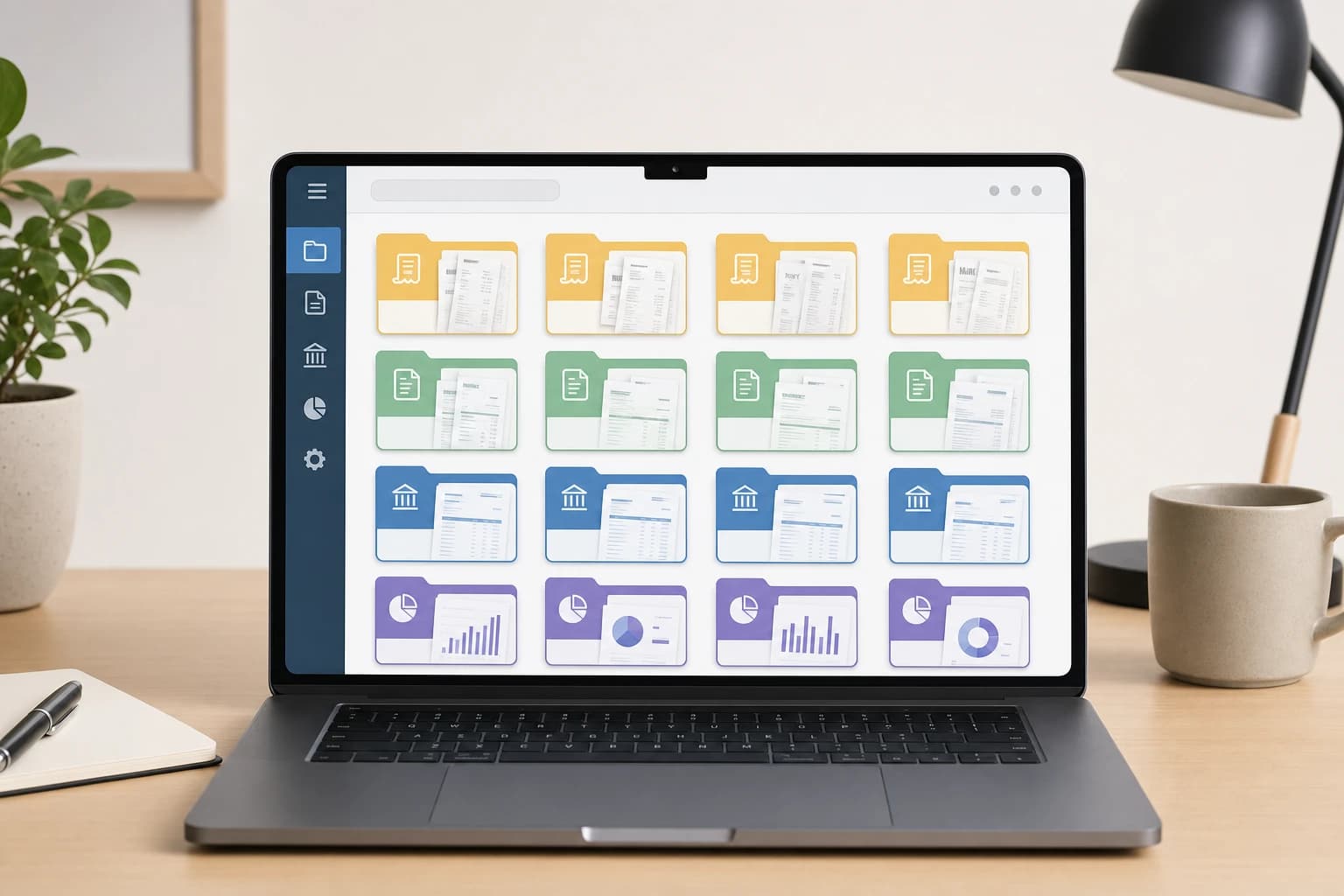
Start with document organization before touching the numbers. A simple folder structure prevents the common problem of hunting through email for one missing receipt months later.
Use a consistent naming pattern such as 2026-01 Bookkeeping, 2026-02 Bookkeeping, and so on. Inside each month, create subfolders for:
- Bank statements
- Credit card statements
- Receipts
- Invoices sent
- Payment processor reports
- Contracts or client approvals
Rename files with the date, vendor or client, and amount when practical. For example: 2026-01-14 Adobe 59.99 receipt.pdf is easier to search than receipt_download_4827.pdf.
2. Download statements and payment reports
Download the official statement for each business bank account and card. If you use payment processors, marketplaces, or platforms, download the monthly payout report as well. This matters because the amount a client pays may not equal the amount deposited after processing fees, refunds, or platform deductions.
For example, if a client pays 1,000 through a payment processor and 970 lands in your bank account after fees, your records should clearly show the gross income, the fee, and the net deposit if your bookkeeping method tracks them separately. The exact treatment depends on your accounting setup, so keep the source report and ask a professional if you are unsure.
3. Update invoice statuses
Open your invoice list and mark each invoice as paid, unpaid, overdue, cancelled, or partially paid. Do not rely only on memory or your inbox. Compare invoice numbers against bank deposits and payment processor reports.
For recurring client work, a missed invoice can be hard to notice because the month still feels busy. A practical safeguard is to keep a client billing tracker with columns for client name, billing date, invoice number, amount, due date, and payment status. If you invoice the same client every month, the tracker should show 12 expected billing events for the year.
4. Record all income with enough detail
Income entries should answer three questions: who paid, what it was for, and where the money landed. A useful description might be “Client ABC, March website maintenance, Invoice 1042, bank deposit.”
If you receive money from several sources, separate them clearly. Client retainers, one-off project payments, affiliate payouts, marketplace revenue, and refunds are not the same operationally, even if they all appear as deposits. Clear categories make your reports more useful and reduce confusion later.
5. Categorize expenses consistently
Next, review expenses line by line. Use a stable set of categories instead of inventing a new label each month. For a solopreneur, common categories may include software, internet and phone, office supplies, professional services, education, bank fees, advertising, contractor payments, equipment, and travel.
Be careful with vague categories such as “miscellaneous.” A small amount once in a while is not a problem, but a large miscellaneous category makes your books less useful. If you cannot tell what the money was for, add a note and attach the receipt or email confirmation.
6. Reconcile bank and card accounts
Reconciliation means comparing your bookkeeping records with the official bank or card statement and resolving differences. This is one of the most important small business bookkeeping steps because it catches duplicate entries, missing transactions, and incorrect amounts.
Work account by account. Start with the statement ending balance, then compare it to the balance in your bookkeeping system for the same date. If they do not match, look for common causes: transactions entered twice, pending transactions included too early, bank fees missing from the books, transfers recorded as income, or deposits grouped differently by the bank.
Do not skip reconciliation just because the income and expense totals “look about right.” A single duplicated payment or missing subscription can distort your monthly results.
7. Review profit, cash, and upcoming obligations
After the accounts are reconciled, look at the month as a business owner, not just as a recordkeeper. Review total income, total expenses, net profit or loss, unpaid invoices, upcoming bills, and cash on hand.
This review does not need to be complex. Ask: Did revenue come from the expected clients? Did any expense increase unexpectedly? Are there subscriptions you no longer use? Is one client consistently paying late? Are you setting aside enough cash for known obligations? Avoid making tax or legal decisions from this review alone, but do use it to spot operational issues early.
8. Save reports and note follow-up tasks
Export or save a profit and loss report, invoice aging report, and expense summary for the month if your system provides them. Then create a short follow-up list. Examples include “request missing receipt from software vendor,” “ask Client B about overdue invoice,” or “review duplicate project management subscription.”
If you use a task manager, assign due dates to the follow-ups. Otherwise, they may sit in a notes document until the next bookkeeping session.
A simple receipt and recordkeeping system
Receipts are easiest to manage when you capture them at the moment of purchase. For digital purchases, save the email receipt as a PDF or forward it to a dedicated bookkeeping email folder. For paper receipts, take a clear photo the same day and upload it to the correct month folder.
Official recordkeeping requirements vary by country and business type. In the United States, the IRS says business owners should keep records that support income, deductions, and credits until the period of limitations for the return runs out. The IRS also emphasizes that records should show gross income, expenses, and assets. See the official IRS recordkeeping page for details: IRS small business recordkeeping guidance.
Important limitation
This routine helps you keep organized records, but it is not a substitute for professional tax, accounting, or legal advice. Requirements for retention periods, deductible expenses, sales tax, VAT, estimated payments, and business structure can vary widely.
Common bookkeeping mistakes to avoid
Mixing business and personal transactions
Using one account for everything creates extra work and increases the chance of missing or misclassifying transactions. Even if you are a sole proprietor, a separate business account makes monthly review much cleaner.
Counting transfers as income
Moving money from one business account to another is usually a transfer, not new revenue. If transfers are recorded as income, your reports will overstate business activity.
Ignoring small recurring charges
A 12 monthly subscription may seem too small to matter, but several unused tools can quietly drain cash. During your monthly review, check every recurring charge and cancel what no longer supports the business.
Waiting too long to reconcile
Reconciliation is harder when too much time has passed. If you wait six months, you may not remember why a client paid a slightly different amount or what a vague card charge was for.
Using categories that change every month
Consistent categories make month-to-month comparisons possible. If “software,” “apps,” and “subscriptions” all mean the same thing in your records, choose one and use it consistently.
Adapt the routine to your business model
A designer with five monthly clients does not need the same process as a creator with hundreds of small platform payouts. Keep the core routine, but adjust the details.
- Client-service freelancers: pay extra attention to invoice aging, deposits, retainers, and project-related expenses.
- Creators and marketplace sellers: download platform reports because fees, refunds, and payouts may be bundled.
- Consultants with retainers: keep a schedule of recurring invoices and compare it to deposits every month.
- Project-based businesses: tag expenses by client or project when useful so you can see which work is profitable.
If your admin load is growing, consider documenting this routine as a standard operating procedure. That makes it easier to hand off parts of the process to a bookkeeper later without rebuilding everything from scratch.
FAQ
How often should a one-person business do bookkeeping?
Monthly is a practical minimum for many one-person businesses. If you send many invoices, handle inventory, or have high transaction volume, weekly bookkeeping may be better.
Can I use a spreadsheet instead of bookkeeping software?
Yes, a spreadsheet can work for a very small business with simple transactions. However, bookkeeping software usually makes invoicing, reconciliation, reporting, and error checking easier as the business grows.
What is the most important monthly bookkeeping task?
Bank reconciliation is often the most important task because it confirms that your records match official bank and card statements. It helps catch missing transactions, duplicates, and incorrect balances.
What should I do if I find a missing receipt?
First, search your email, vendor account, payment platform, and bank transaction details. If you cannot find it, add a note explaining the purchase, date, vendor, amount, and business purpose, then ask a qualified professional how to handle it for your records.
Do freelancers need an accountant?
Not every freelancer needs an accountant for day-to-day bookkeeping, but professional help can be valuable for tax filings, business structure, sales tax or VAT, payroll, complex deductions, and year-end review.
Conclusion: keep the routine small enough to repeat
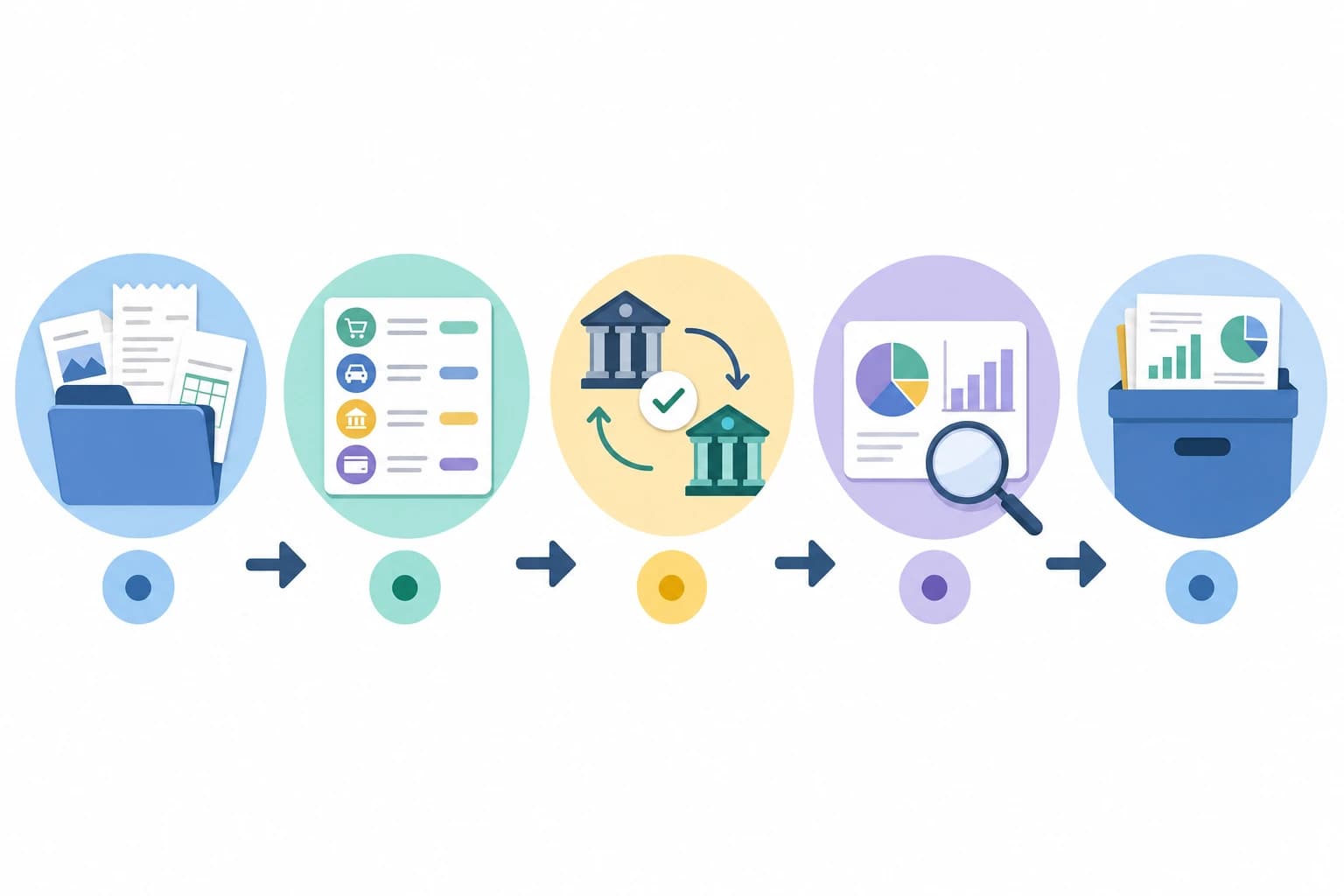
The best monthly bookkeeping routine is not the most complex one. It is the one you can repeat every month without avoiding it. Gather documents, update invoices, record income and expenses, reconcile accounts, review results, and file reports. Done consistently, those steps give a one-person business cleaner records and better visibility without turning bookkeeping into a second job.
Start with one scheduled monthly session, one folder system, one checklist, and one clear rule: every business transaction must be explained, categorized, and supported by a record when available. That simple habit will make future decisions, professional reviews, and year-end preparation much easier.