

If quotes disappear into silence, the problem is not always price. Many small service businesses lose good leads because follow-up happens only when someone remembers. A homeowner asks for an estimate, a business client requests availability, or a repeat customer mentions a future job, and without a system those opportunities sit in email, text messages, notebooks, and memory.
This guide shows how to build a simple customer follow up system for small service business work using tools you probably already have: a spreadsheet, a calendar, email templates, and a few repeatable habits. It is designed for plumbers, cleaners, consultants, landscapers, designers, repair services, tutors, mobile service providers, and other small teams that are not ready for a full CRM yet.
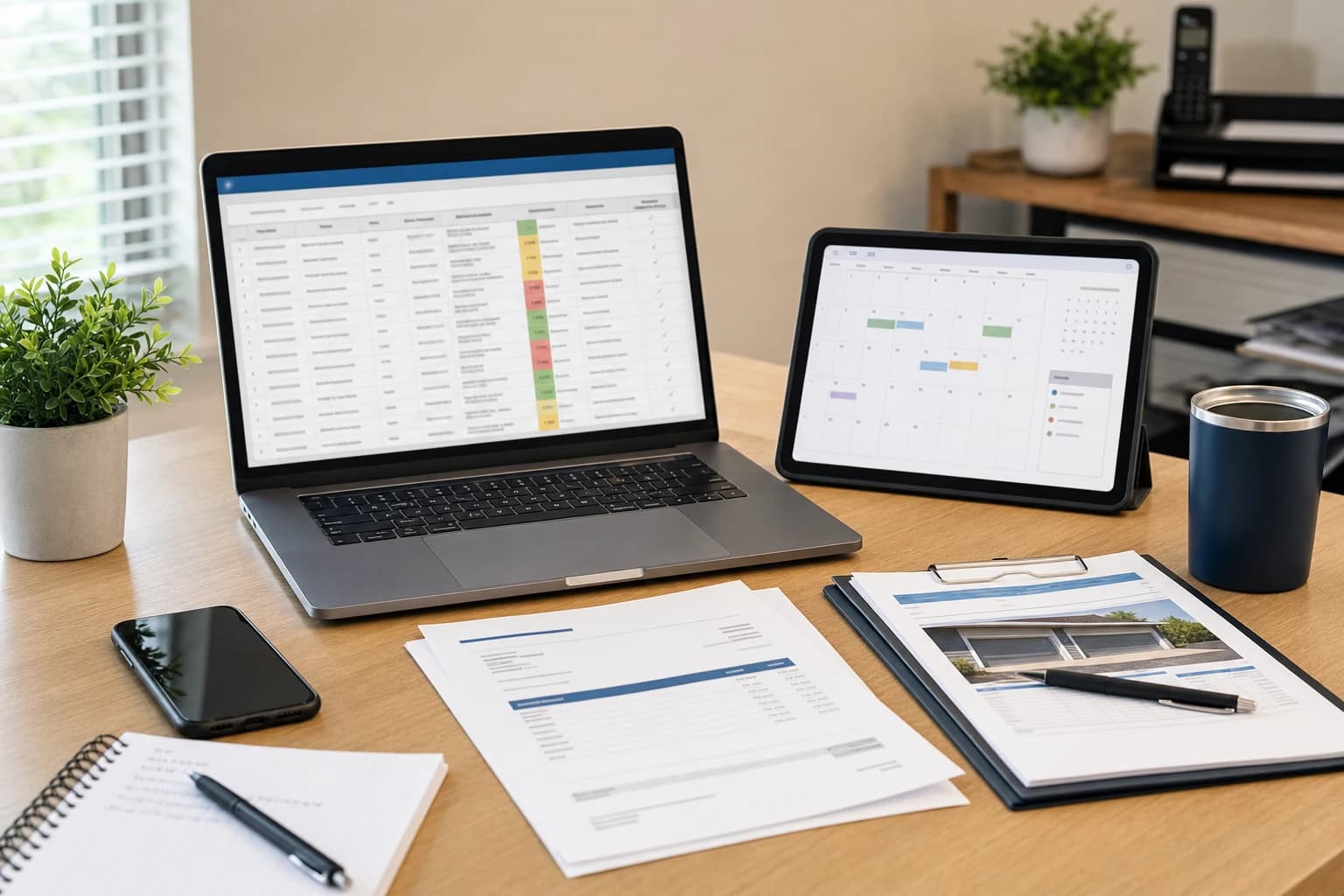
The simple version: what your follow-up system must do
A good follow-up system does not need to be complicated. It only needs to answer five questions without searching through inboxes or trying to remember conversations:
- Who contacted you? Name, company if relevant, phone, email, and location or service area.
- What do they need? The service requested, job size, urgency, and any special notes.
- Where are they in the process? New lead, quote sent, follow-up due, booked, won, lost, or not a fit.
- What is the next action? Call, email, send estimate, answer question, schedule visit, or close out.
- When will you do it? A specific date and, for urgent leads, a time reminder.
That is the core of small business customer management. Software can make it smoother later, but the habit matters more than the tool. If every lead has a status, a next step, and a reminder, you are already ahead of a scattered inbox.
Tools you need to set it up
Start with a lightweight setup. The goal is to make the client follow up process easy enough that you actually use it during a busy week.
- Spreadsheet: Google Sheets, Microsoft Excel, or Apple Numbers. Google Sheets is convenient if more than one person needs access.
- Calendar: Google Calendar, Outlook Calendar, Apple Calendar, or another calendar you check daily.
- Email or message templates: Saved drafts, canned responses, text snippets, or a notes app.
- One folder for quotes: Google Drive, OneDrive, Dropbox, or a local folder with consistent file names.
- Optional task app: Todoist, TickTick, Trello, Asana, ClickUp, or a simple paper daily list.
Estimated setup time: 60 to 90 minutes for the first version. Difficulty: beginner. Ongoing time: 10 minutes each morning and 10 minutes at the end of the workday.
If you already use Google Calendar heavily, you may also find it useful to build your follow-up checks into a weekly admin routine. This guide to weekly time blocking in Google Calendar can help you make space for sales admin without letting it take over your day.
Step-by-step: build your customer follow-up system
1. Create one master lead tracker
Open a new spreadsheet and name it something obvious, such as Lead Tracker or Customer Follow-Up. Avoid separate tabs for every month at the beginning. One list is easier to search and filter.
Create these columns:
- Date received
- Customer name
- Phone
- Service requested
- Source, such as website, referral, Google Business Profile, repeat customer, or social media
- Estimated job value or quote amount
- Status
- Quote sent date
- Last contact date
- Next follow-up date
- Next action
- Owner, if more than one person handles leads
- Notes
Keep notes short but useful. Instead of writing a long story, record decision-making details: prefers mornings, needs service before Friday, comparing two providers, waiting for landlord approval, asked about warranty, or wants monthly plan.
For status, use a fixed list so your tracker stays clean. Good starter statuses are: New, Needs Quote, Quote Sent, Follow-Up Due, Booked, Completed, Won, Lost, No Response, and Not a Fit. Too many statuses create confusion, especially for a solo owner who is trying to move quickly.
2. Decide your follow-up timing before leads arrive
The best time to decide when to follow up is before you are busy. If every quote requires a custom decision, follow-up becomes inconsistent.
Here is a simple schedule for service businesses that send quotes:
| Stage | When to follow up | Purpose | Example next action |
|---|---|---|---|
| New inquiry | Same business day when possible | Confirm the request and collect missing details | Call or reply with scheduling questions |
| Quote sent | 1 business day later | Make sure they received it and answer questions | Email: checking that the estimate came through |
| No reply after quote | 3 business days later | Offer help and ask if the timing still works | Call or send short follow-up email |
| Still no reply | 7 business days after quote | Close the loop politely without pressure | Email: should I keep this open? |
| Completed job | 1 to 3 days after completion | Confirm satisfaction and identify future needs | Thank-you message and service care note |
This schedule is not a rule for every industry. Emergency repair services may need same-hour responses. Higher-ticket consulting or renovation projects may need a slower, more consultative rhythm. The important part is that each quote has a default follow-up path.
3. Add calendar reminders for every next action
Your spreadsheet is the record. Your calendar is the alarm. If you only write the next follow-up date in a sheet, it is easy to miss it on a busy service day.
For each active lead, create a calendar reminder or task with a clear label, such as Follow up: Maria Lopez kitchen quote or Call: AC repair estimate for North Street. Include the phone number or spreadsheet row link in the reminder notes if your calendar allows it.
A practical setup is to create two recurring daily blocks:
- Morning follow-up check: 15 minutes before your first job or admin task.
- End-of-day update: 10 minutes to update statuses, add new inquiries, and set tomorrow's reminders.
If you work in the field, keep the process mobile-friendly. A spreadsheet app and calendar app on your phone may be enough. If typing notes on a phone is slow, use short phrases and clean them up later during the end-of-day update.
4. Use simple templates without sounding robotic
Templates save time, but they should still sound like a real person. Build a small set for the messages you send repeatedly. Keep them short, specific, and easy to personalize.
After sending a quote:
Hi [Name], I sent over the quote for [service/job]. I wanted to make sure it came through and see if you had any questions about the scope, timing, or next steps. If you would like to move ahead, I can hold [available date/time] for you.
Second follow-up after no reply:
Hi [Name], just checking in on the quote for [service]. Are you still looking to schedule this, or has the timing changed? Either way is fine. I can update the estimate or close it out if you no longer need it.
Post-service follow-up:
Hi [Name], thanks again for choosing us for [service]. I wanted to make sure everything is working as expected. If anything needs attention, please let me know and I will take a look at the next step.
If you send commercial emails, make sure your messages follow applicable email rules. In the United States, the Federal Trade Commission provides a business guide to the CAN-SPAM Act, including requirements around truthful header information, clear identification, a valid physical postal address, and honoring opt-out requests. You can review the FTC guidance here: CAN-SPAM Act: A Compliance Guide for Business. For service follow-ups, avoid adding people to newsletters or promotional lists without proper permission.
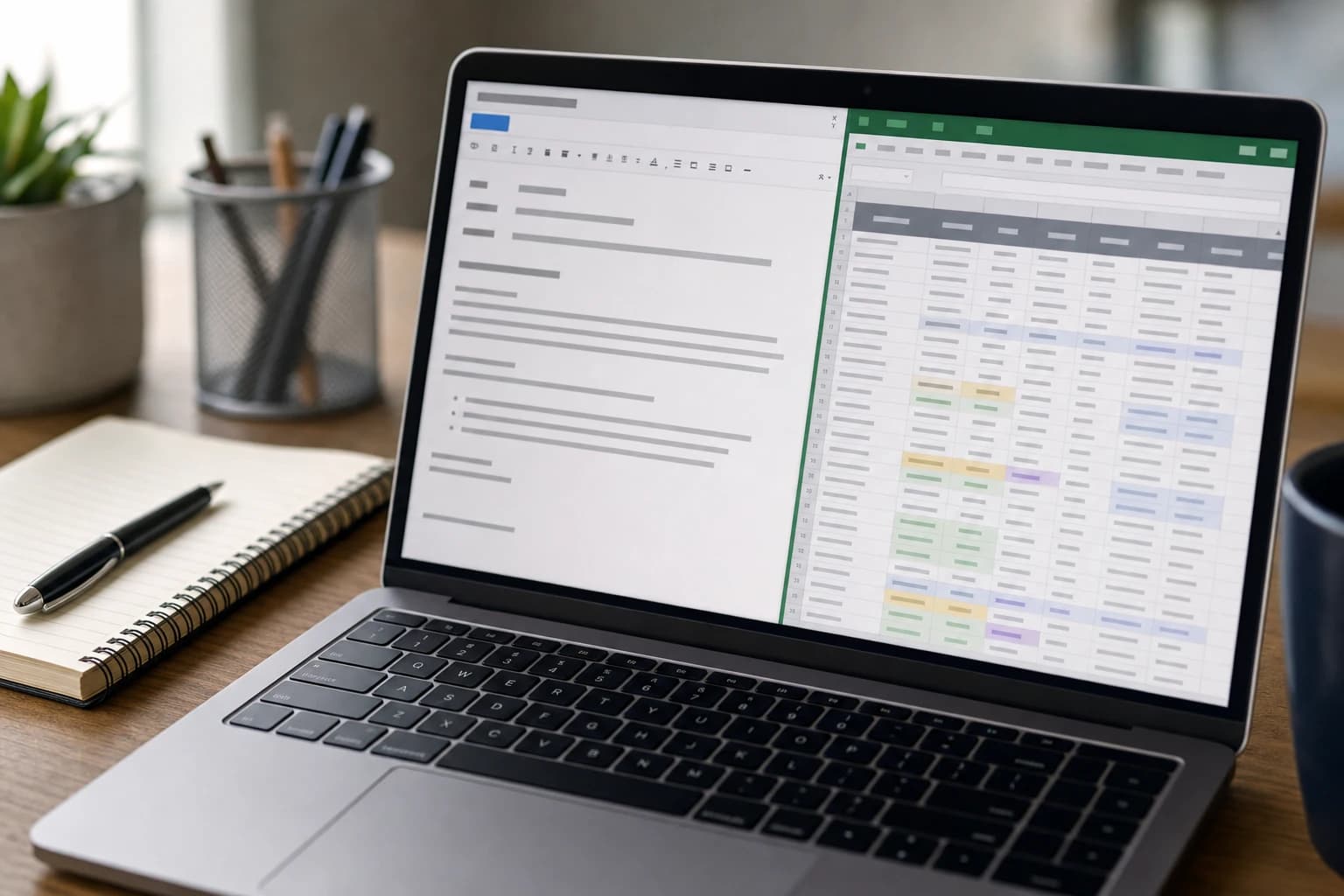
5. Track quotes separately from conversations
One common reason follow-up fails is that the quote lives in one place, the conversation lives in another, and the reminder is nowhere. Fix this by using a consistent quote naming system and linking each quote to the tracker.
A simple file name format is:
YYYY-MM-DD CustomerName Service Quote
For example: 2026-02-14 Lopez Kitchen Faucet Quote. This makes quotes sortable by date and searchable by name. If your spreadsheet supports links, paste the quote file link into the notes column or add a dedicated Quote Link column.
Also record the quote amount, even if it is approximate. Over time, this helps you see patterns: which job types sit unanswered, which lead sources produce serious buyers, and which estimates need clearer explanation.
6. Run a daily and weekly review
A system only works if it is reviewed. Your daily review keeps leads from slipping. Your weekly review helps improve your process.
During the daily review, filter your spreadsheet by Next Follow-Up Date. Contact anyone due today, update the Last Contact Date, change the Status, and set the next action. Do not leave a row active without a next date unless it is Won, Lost, Completed, Not a Fit, or intentionally closed.
During the weekly review, check:
- How many quotes are waiting for a response?
- Which leads have had no contact in more than 7 business days?
- Which quotes need a final close-out message?
- Are any booked jobs missing customer details?
- Are you repeatedly answering the same question in follow-ups?
If the same question appears often, improve your quote template. For example, if customers keep asking whether materials are included, add a clear line in every estimate. Follow-up is not only about chasing leads; it also shows where your sales process is unclear.
Spreadsheet CRM versus paid CRM: what to use first
Many owners search for CRM alternatives for small business because full platforms can feel too heavy at the start. A spreadsheet is not a perfect CRM, but it can be the right first step when your volume is manageable and your process is still changing.
| Option | Best for | Strengths | Limitations |
|---|---|---|---|
| Spreadsheet plus calendar | Solo owners and very small teams with a manageable number of leads | Low cost, flexible, easy to customize, fast to start | Manual reminders, easier to make data-entry mistakes, limited automation |
| Task board such as Trello, Asana, or ClickUp | Teams that think visually and manage client projects after the sale | Clear pipeline boards, task assignments, project handoff | Can become cluttered if lead data and project tasks mix together |
| Simple CRM | Businesses with steady lead volume or multiple people following up | Contact history, reminders, pipelines, reporting, email integration | Requires setup discipline and may include features you do not use yet |
| Automated form and email workflow | Businesses getting many website inquiries | Faster response, fewer missed leads, consistent first reply | Needs careful setup and periodic checks so automation does not send wrong messages |
If you are choosing between project tools for client work, this comparison of Asana, Trello, and ClickUp for client projects explains when a task board may fit better than a traditional CRM. If your spreadsheet has become hard to maintain and you are preparing for software, use a structured CRM spreadsheet migration checklist before importing messy data into a new tool.
How to follow up with customers after a quote without being pushy
Many service providers avoid follow-up because they do not want to annoy people. The key is to make each message useful, not desperate. A helpful follow-up does one of three things: confirms receipt, answers likely questions, or gives the customer an easy way to decide.
Instead of saying only, Following up again, add context. Mention the service, the decision point, and the next step. For example, I can schedule the repair for Thursday morning if the quote looks good, is more useful than Just checking in.
Use a polite close-out message when someone does not respond. This removes pressure and gives you permission to stop chasing the lead:
Hi [Name], I have not heard back, so I will close this quote for now. If you still need help with [service], feel free to reply and I can let you know the next available times.
This protects your time. It also keeps the door open without leaving every silent quote in your active list forever.
Common mistakes that cause missed leads
Keeping leads in too many places
If leads arrive through phone calls, website forms, social messages, referrals, and email, you need one master list. You can still communicate through each channel, but the lead status should live in one place.
Using vague next steps
Next action should not say follow up someday or waiting. Use a real action: call Tuesday, send revised quote, ask for measurements, confirm appointment, or close out.
Not separating sales follow-up from project management
Once a customer books, the job may need a separate project checklist. Do not let booked jobs hide new leads. If you need help choosing tools for file storage after a project starts, this guide to Google Drive, Dropbox, and OneDrive for remote team file management may be useful.
Following up without updating the record
A call that is not recorded can create confusion later. After each contact, update the Last Contact Date, Status, and Next Action. This takes less than a minute but prevents duplicate messages and forgotten promises.
Buying software before fixing the habit
A CRM will not solve inconsistent follow-up by itself. If no one updates the pipeline, checks reminders, or closes old leads, paid software becomes a more expensive version of the same problem. Build the habit first, then automate the parts that are repetitive.

When to upgrade from a spreadsheet to automation
Your spreadsheet system is a good starting point, but it should not become a bottleneck. Consider upgrading when one or more of these signs appear:
- You regularly have more active leads than you can review manually.
- More than one person follows up and you need shared visibility.
- Customers fill out website forms, but replies are delayed because someone must copy details manually.
- You need reminders based on pipeline stages instead of calendar entries.
- You want email templates, contact history, quote tracking, and reporting in one tool.
At that point, automation can help. A practical next step is connecting a form, CRM, and email tool so every inquiry creates a record and receives a timely response. This guide on how to automate lead follow-ups without hiring a developer explains that path in more detail.
FAQ
What is the simplest customer follow-up system for a small service business?
The simplest system is a spreadsheet for lead details, a calendar for reminders, and a few reusable email or text templates. Each lead should have a status, last contact date, next follow-up date, and next action.
How soon should I follow up after sending a quote?
A practical default is to follow up 1 business day after sending the quote to confirm it was received, then again after about 3 business days if there is no reply. Adjust the timing for urgent services or longer decision cycles.
Do I need a CRM if I only have a few leads per week?
Not necessarily. If you can reliably track every lead in a spreadsheet and set reminders, you may not need paid CRM software yet. Upgrade when manual tracking causes missed follow-ups, duplicate work, or poor visibility across the team.
What should I write in a follow-up message?
Mention the specific quote or service, ask if they have questions, and give a clear next step. Keep it short. For example, ask whether they would like to schedule, revise the scope, or close the quote for now.
How do I stop following up without sounding rude?
Send a polite close-out message. Say you have not heard back, you will close the quote for now, and they can reply if they still need help. This is respectful and prevents inactive leads from cluttering your system.
Conclusion
A reliable customer follow-up system does not start with expensive software. It starts with one clear place for leads, one reminder for every next action, and a simple rhythm for checking the list. For a small service business, that can be enough to prevent many missed opportunities after quotes.
Build the spreadsheet, choose your default follow-up timing, save a few templates, and review the list every workday. Once that habit is stable, you can decide whether a CRM or automation would save enough time to justify the move.